Handouts (Student)
TABLE OF CONTENTS
Handouts consist of a prompt to which you can submit text or upload a file as a response. Handouts are organized by Due, Missed, Submitted, and Graded.

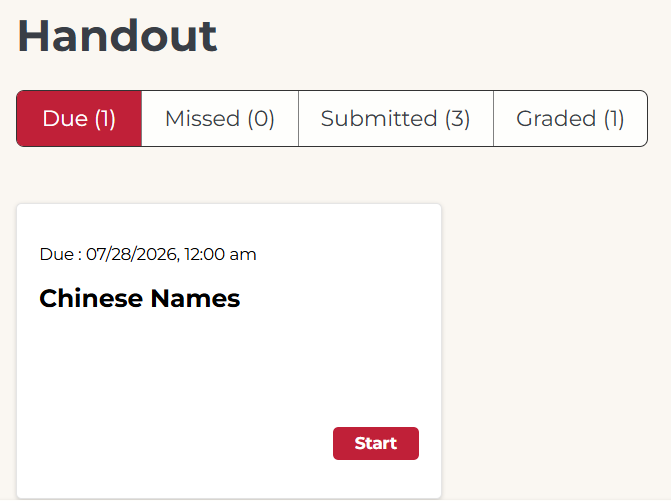
Not what you see? Click to see the old UI view.
Handouts are organized by Due Handouts, Submitted, and Graded.

Due Handouts
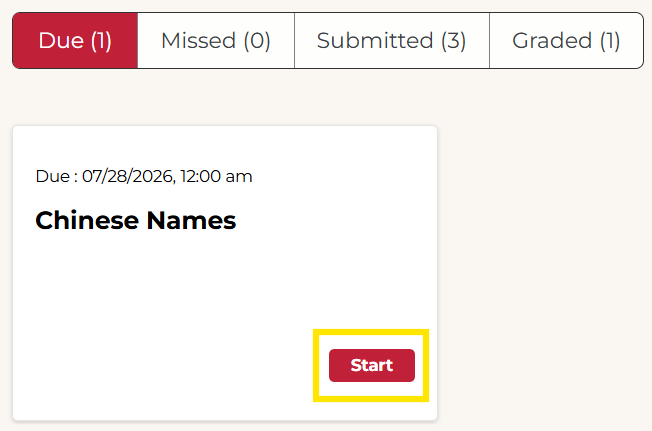
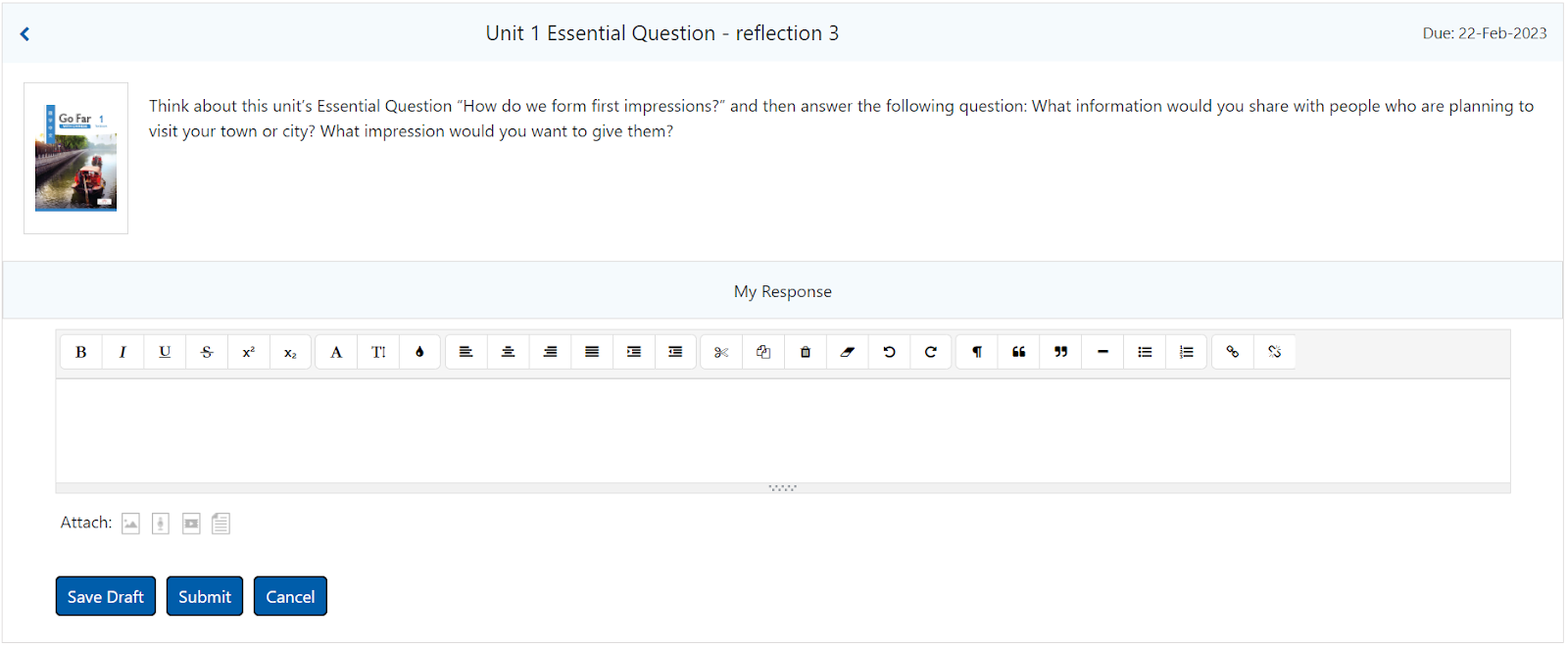
Due handouts are available to be completed now. Select the handout or click Start to open it.
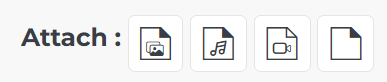
The text editor supports various formatting options. You can also add file attachments below (images, audio, video, document files).
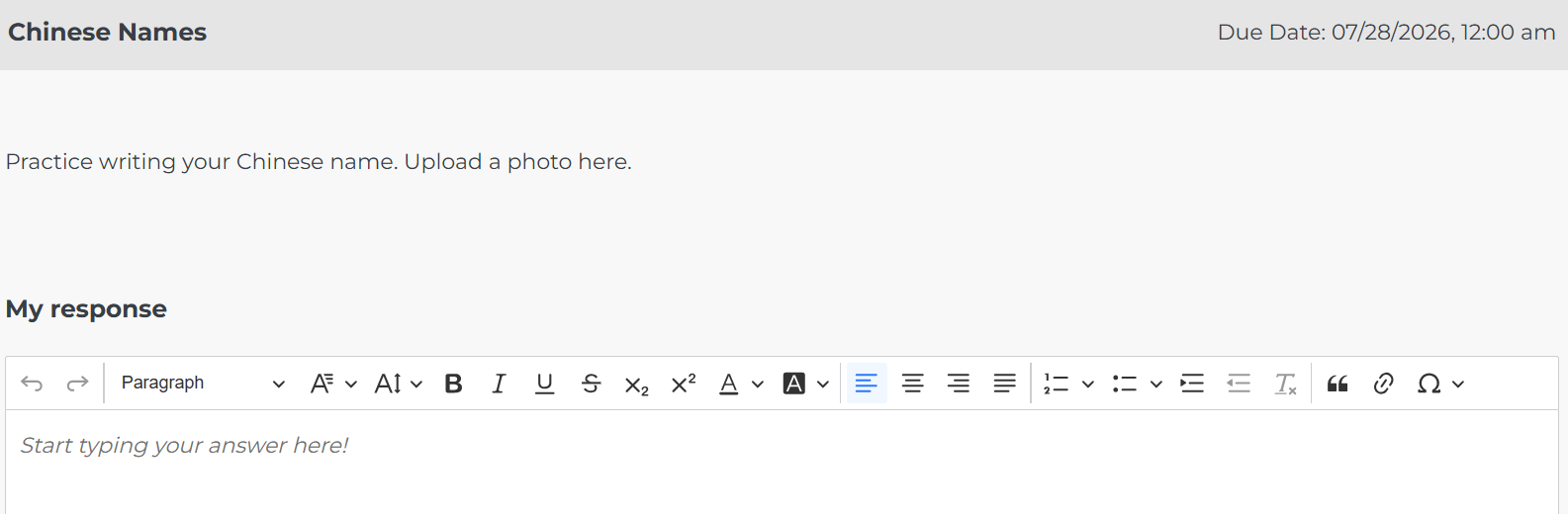
Click Save Draft to finish later or Submit when done.

Not what you see? Click to see the old UI view.


Missed Handouts
Handouts move from Due to Missed when the due date passes. Missed handouts can no longer be submitted.
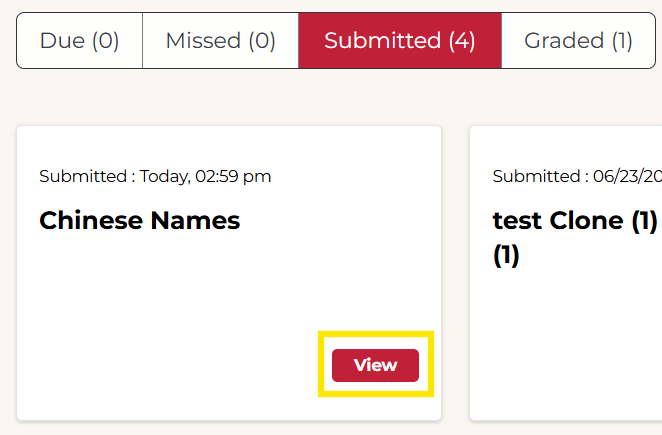
Submitted Handouts
Submitted handouts have been submitted, but not yet graded. Select the Handout or click View to view your response.
Not what you see? Click to see the old UI view.

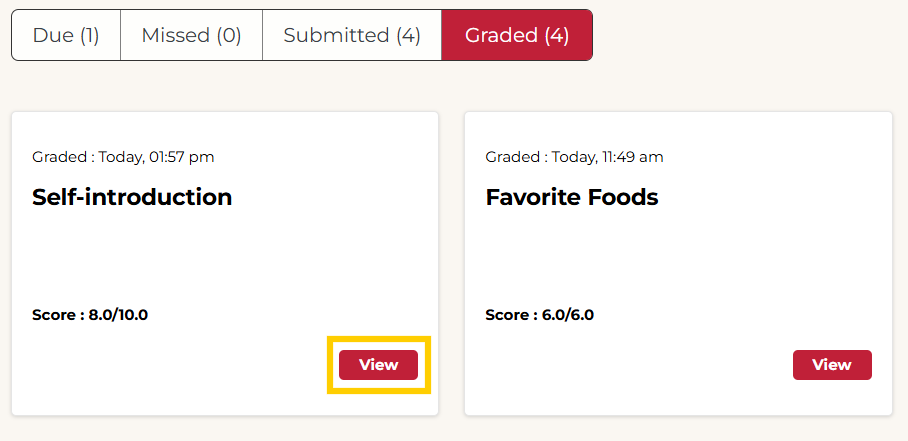
Graded Handouts
Graded handouts have been evaluated by your instructor. Select the handout to review your response and see any feedback from the teacher. Please note that not all handouts will have a score.
Not what you see? Click to see the old UI view.

Was this article helpful?
That’s Great!
Thank you for your feedback
Sorry! We couldn't be helpful
Thank you for your feedback
Feedback sent
We appreciate your effort and will try to fix the article