Cheng & Tsui launched our new user interface (UI) for FluencyLink teachers, student, and independent learners on July 1st, 2026. The new UI for school/district administrators is coming soon. Keep reading for an overview of the key changes and improvements.
TABLE OF CONTENTS
Overview
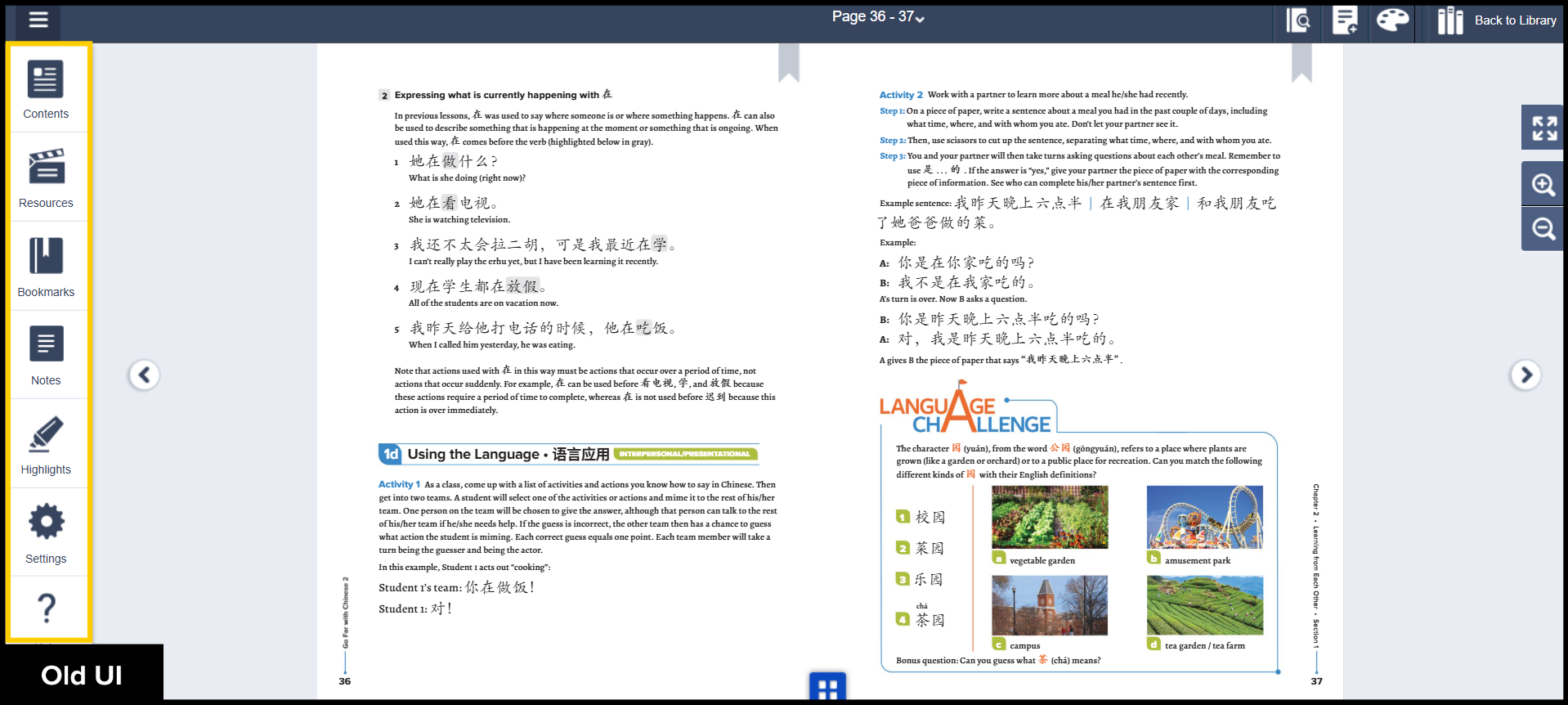
The Ereader menu is now located in the top right corner.
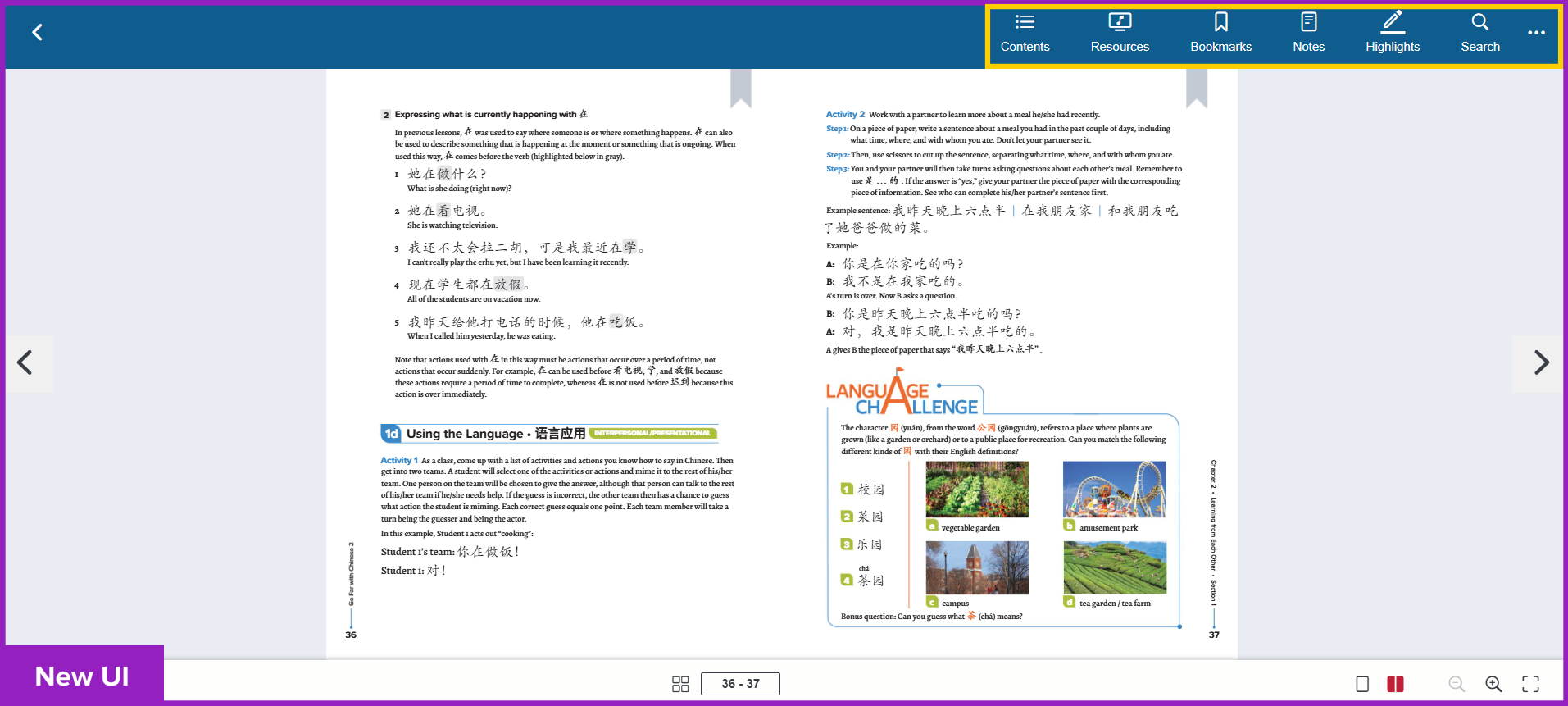
Click to see old UI view
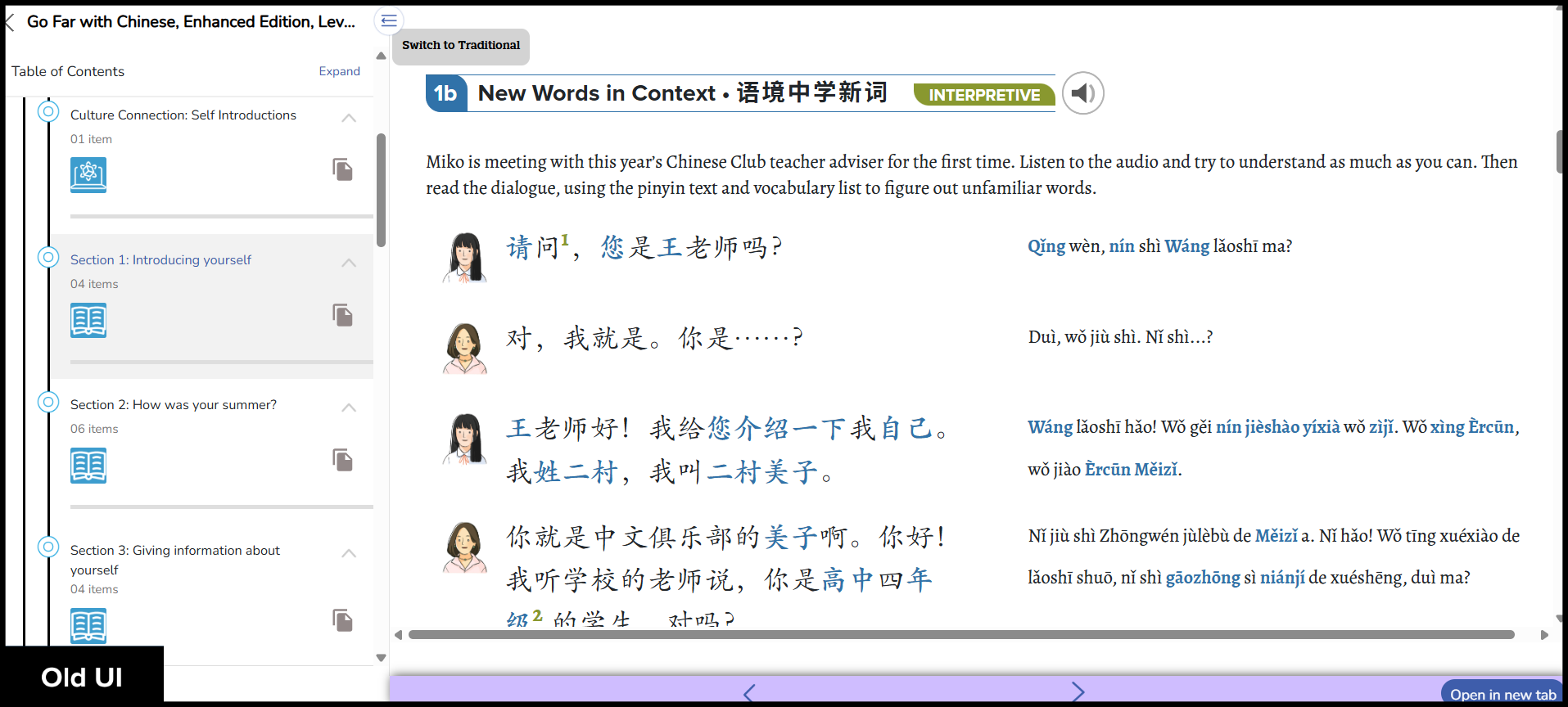
New, streamlined Course Player (for Course and Course+ subscriptions only).
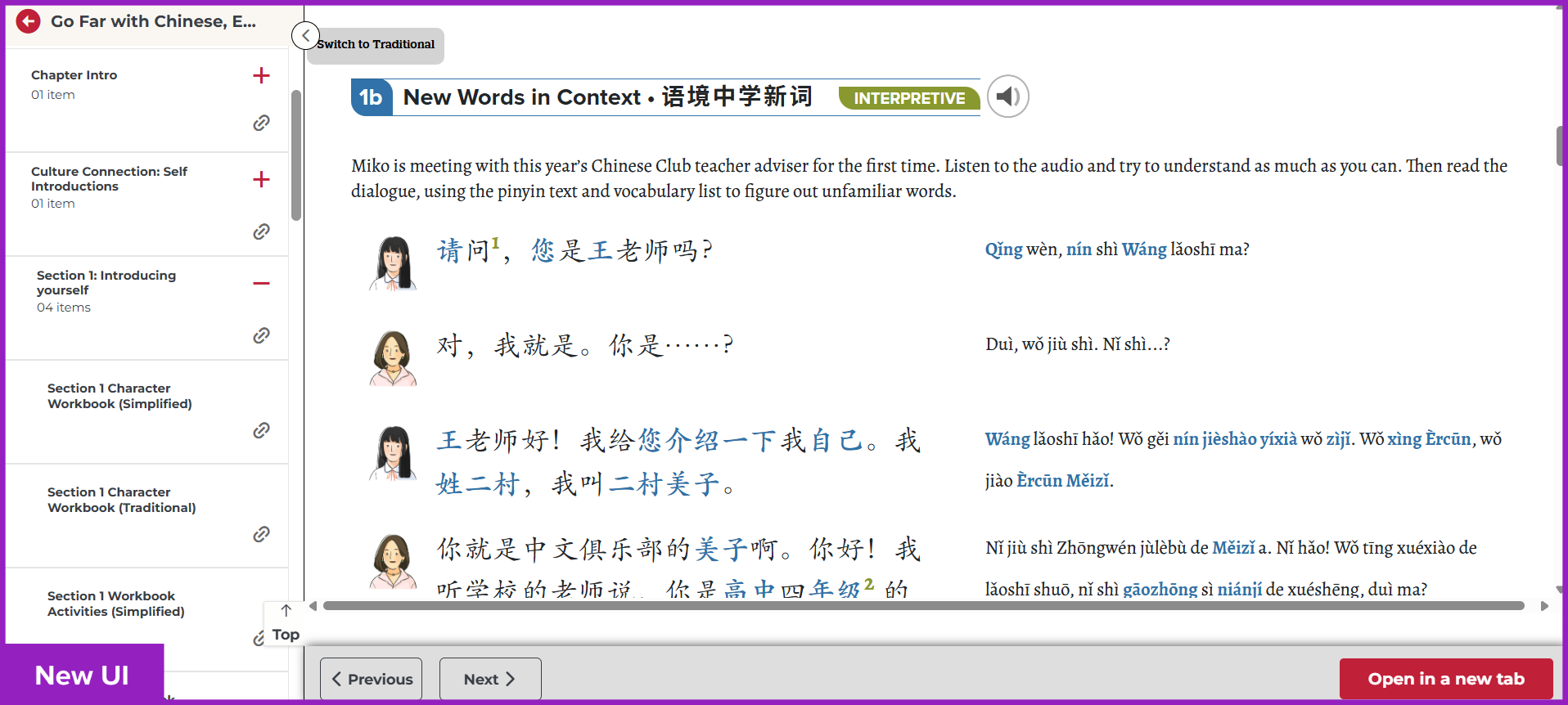
Click to see old UI view
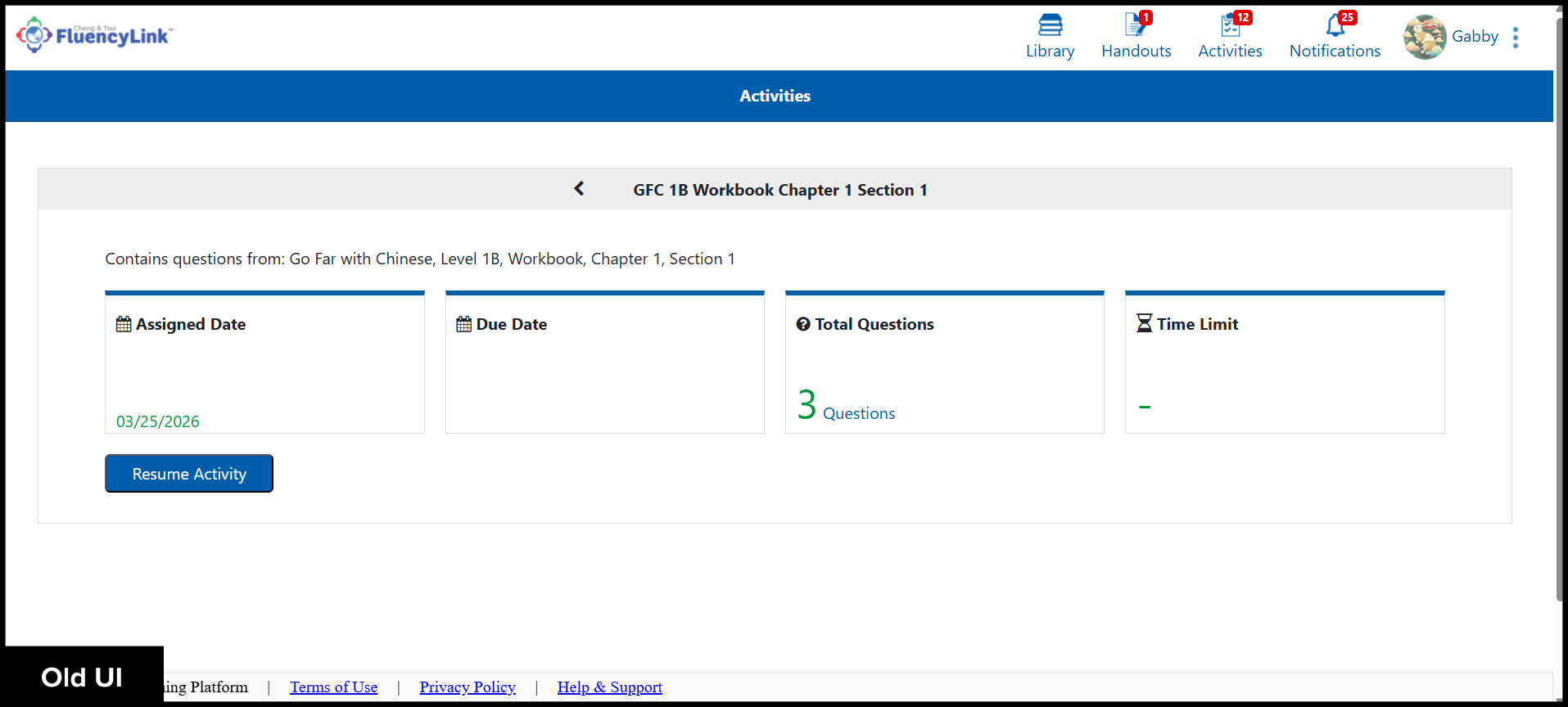
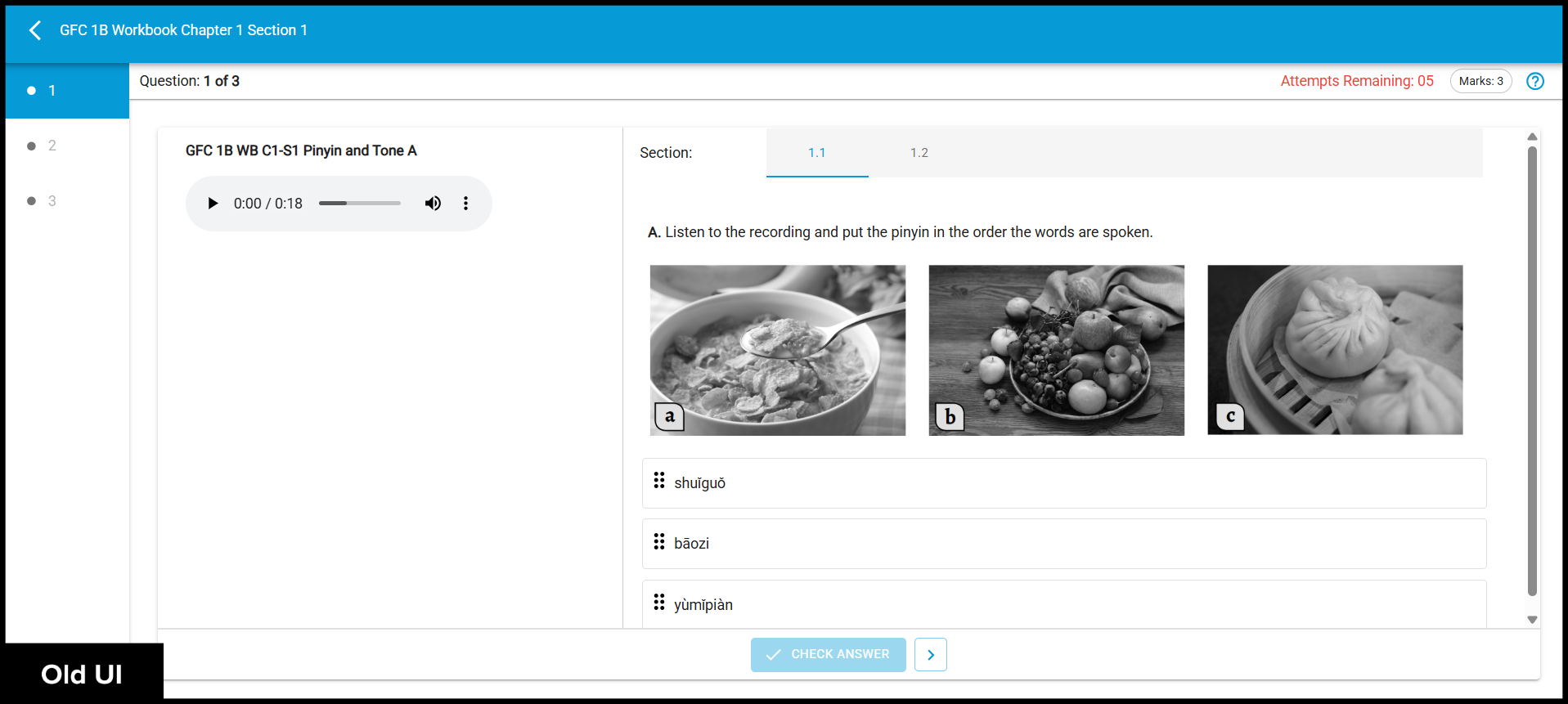
Modern, refreshed Activity Player.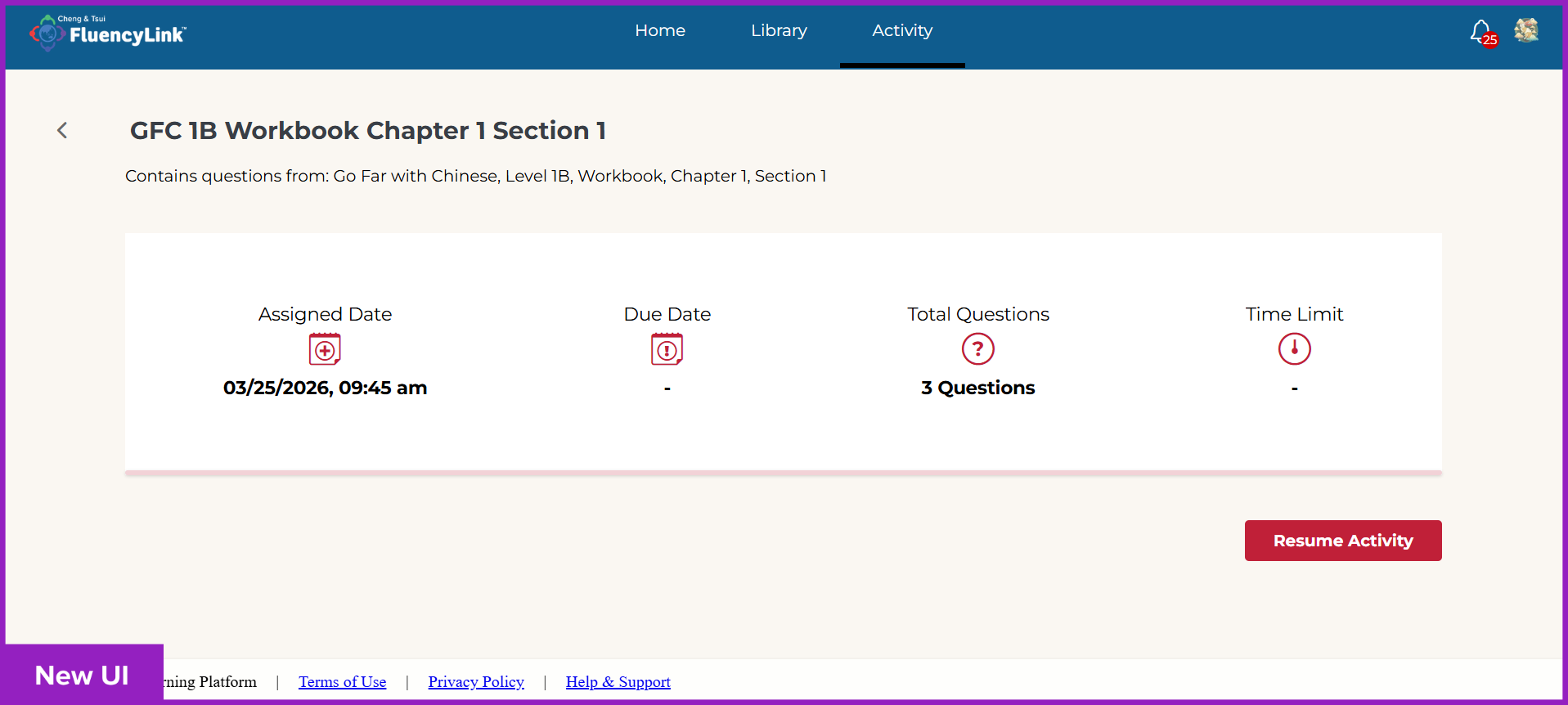
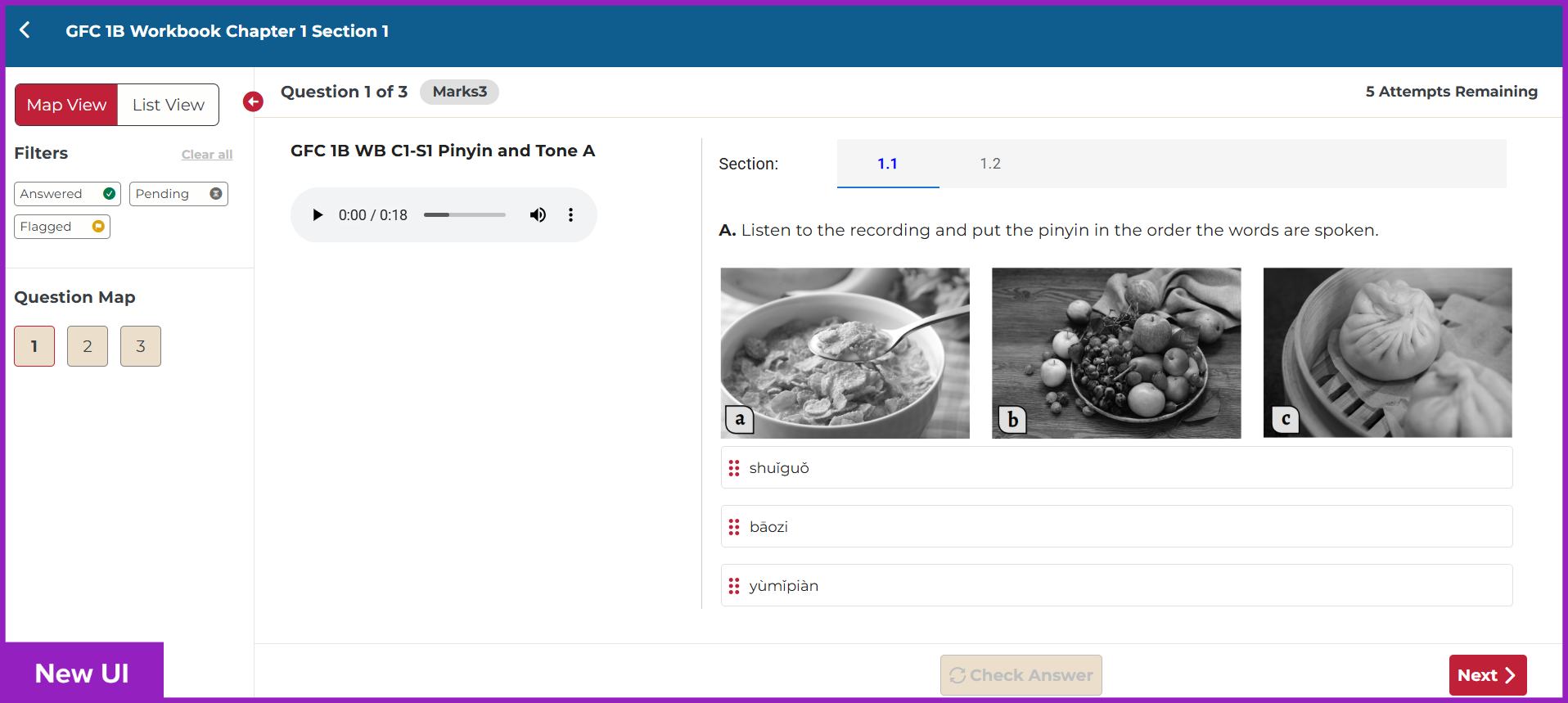
Click to see old UI view
Student Interface
The new Student Homepage gives an overview of their progress.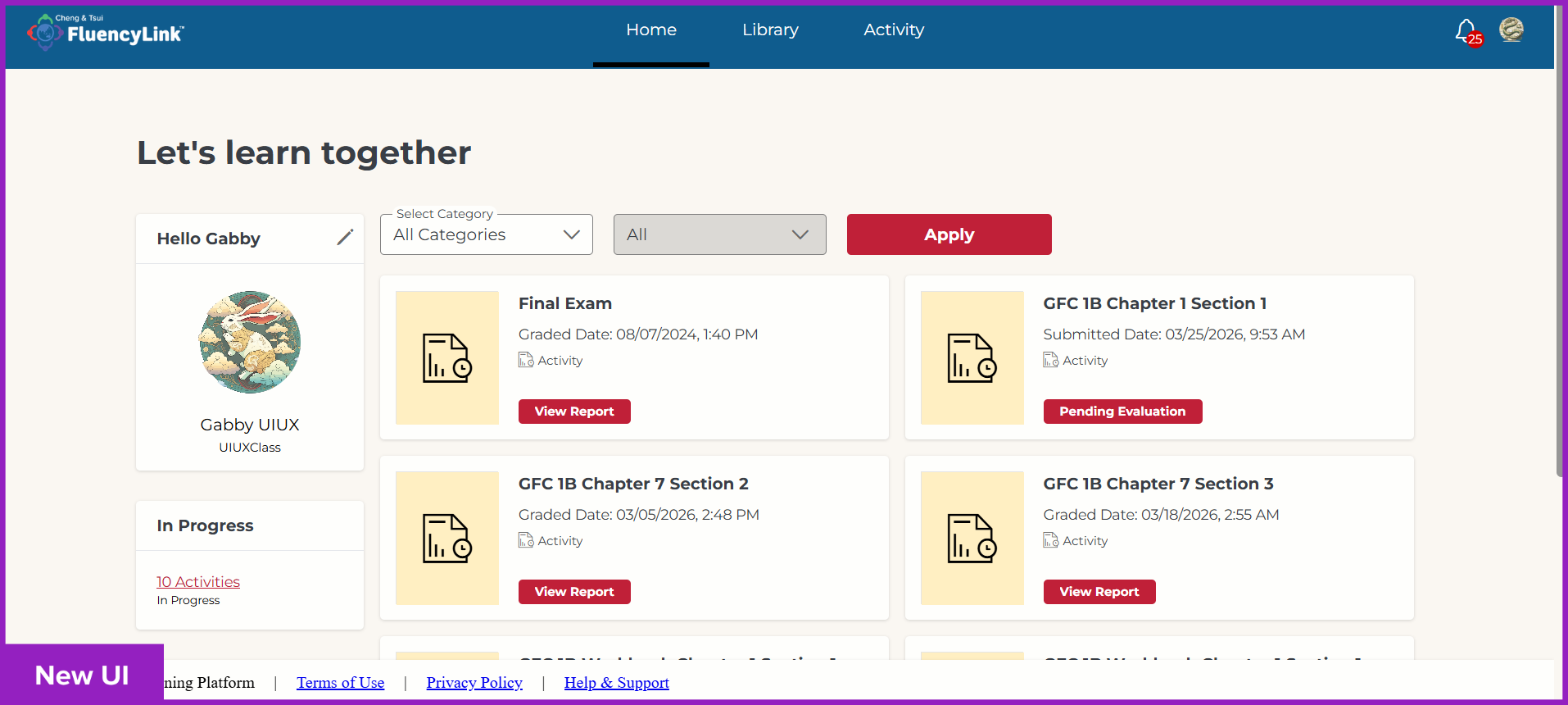
The Student Library features a new Continue Learning section.
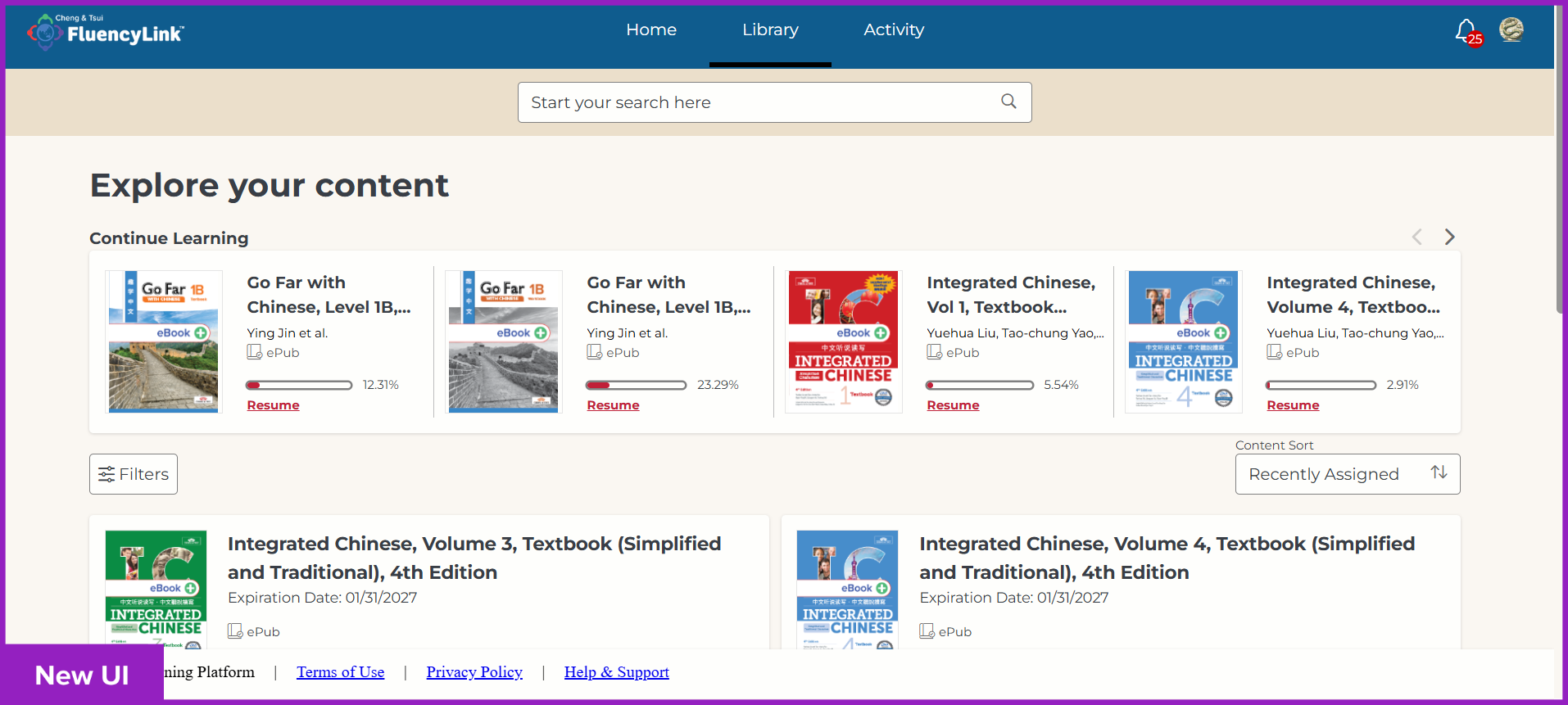
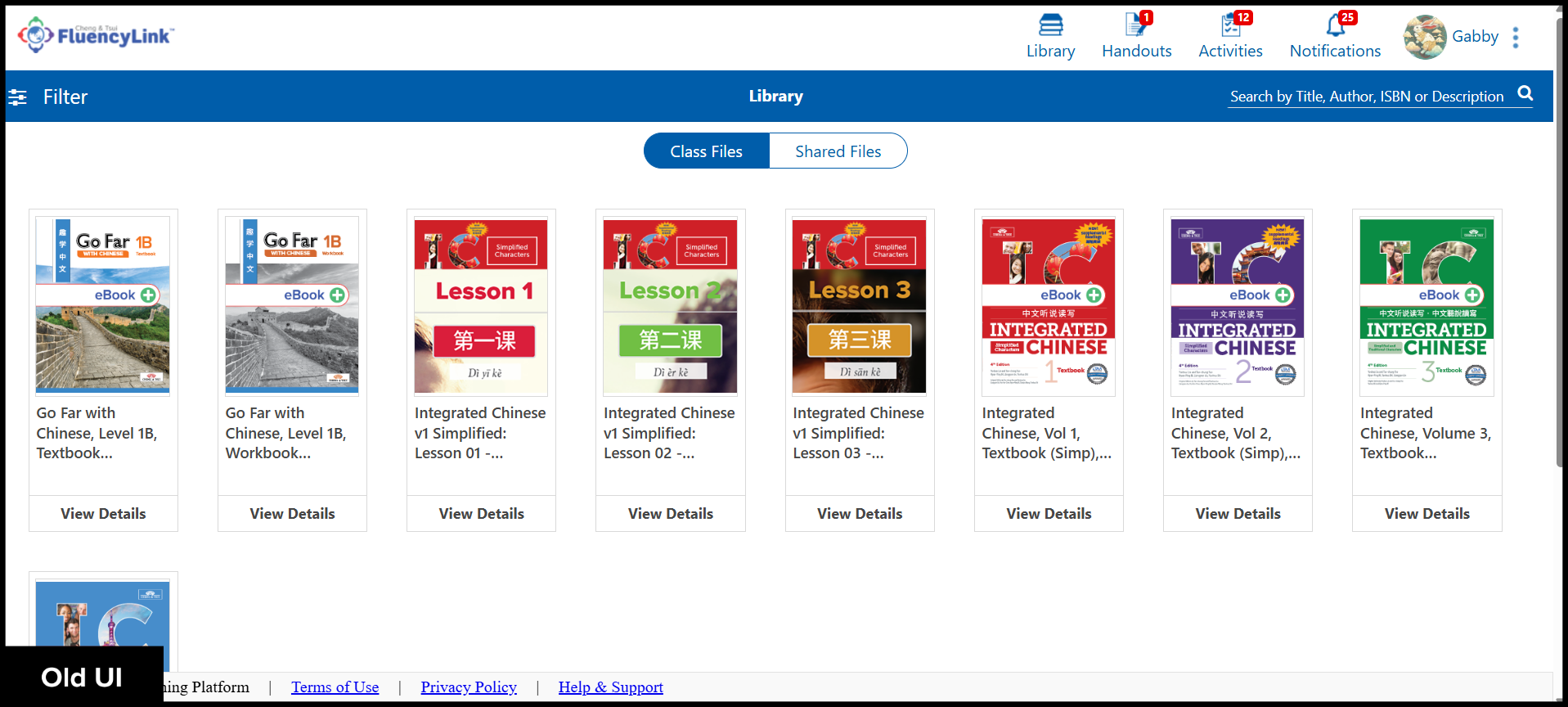
Click to see old UI view
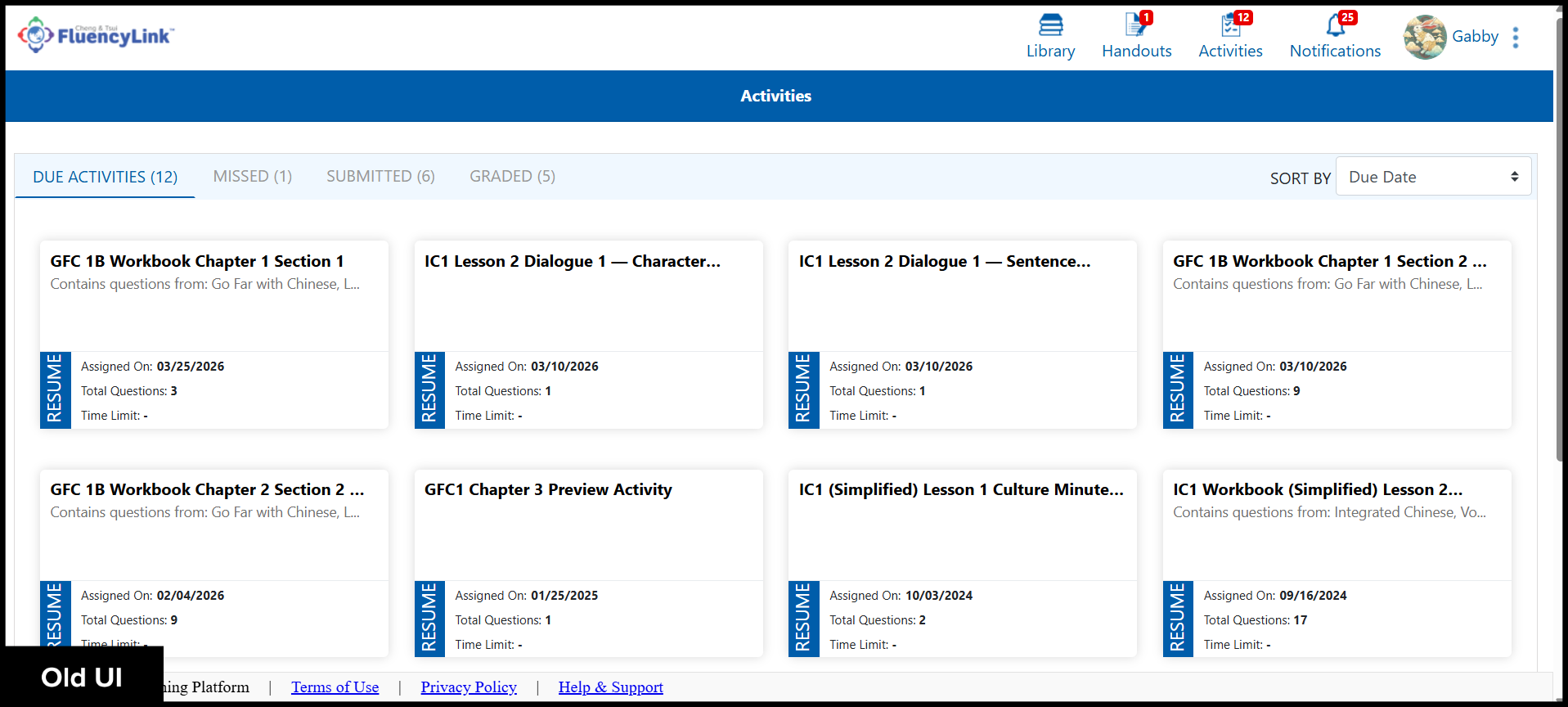
The Student Activity page has a new search box for searching Activities.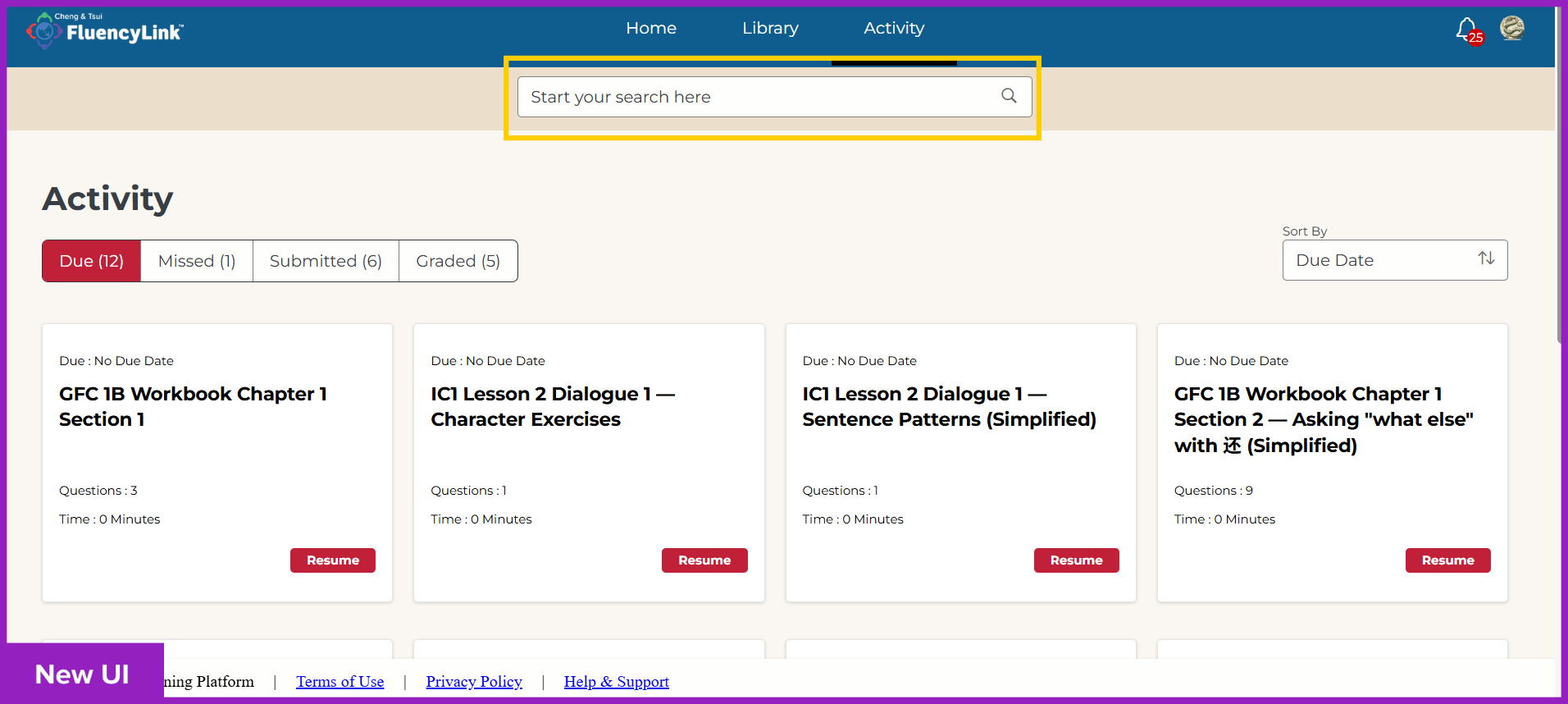
Click to see old UI view
Teacher Interface
Learning Content
The new Library view conveniently displays your subscription expiration dates.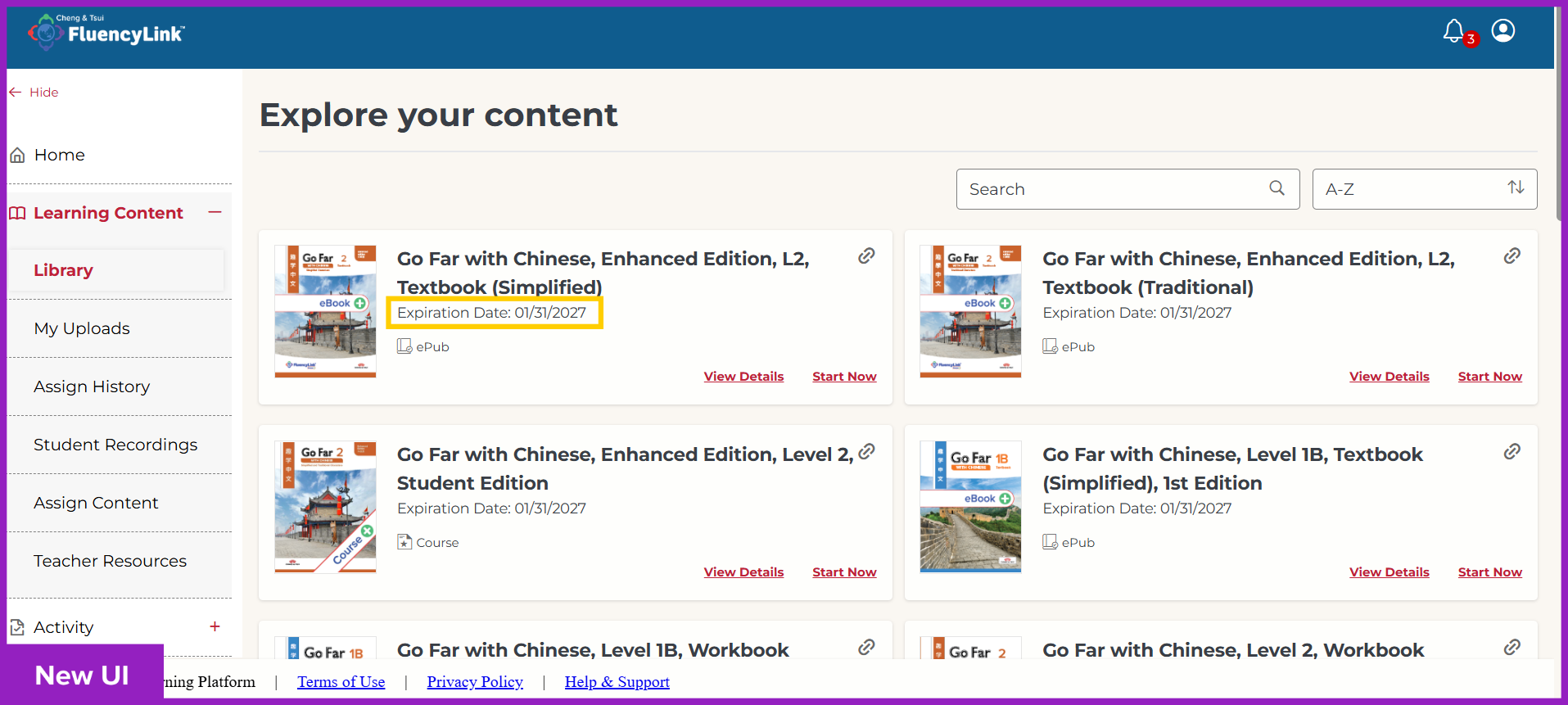
Click to see old UI view
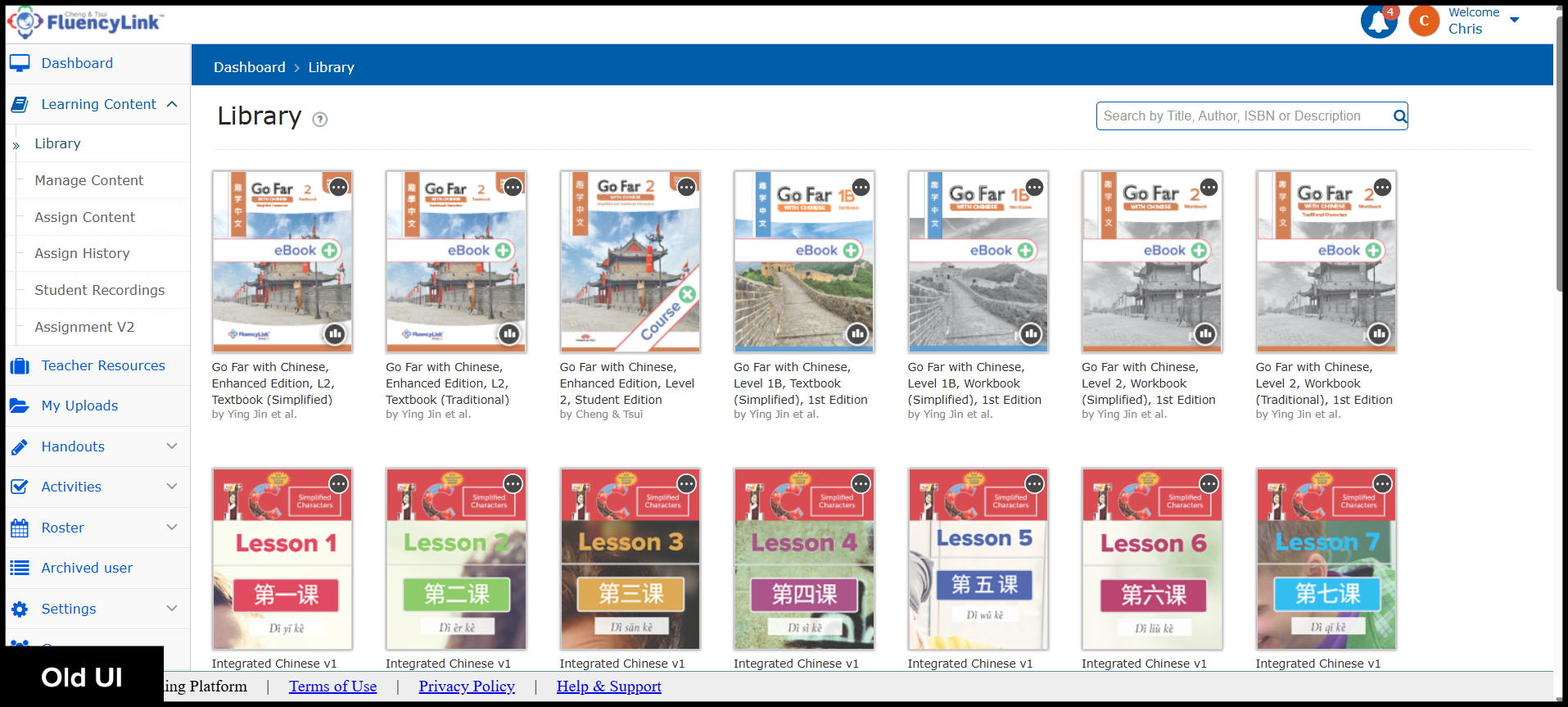
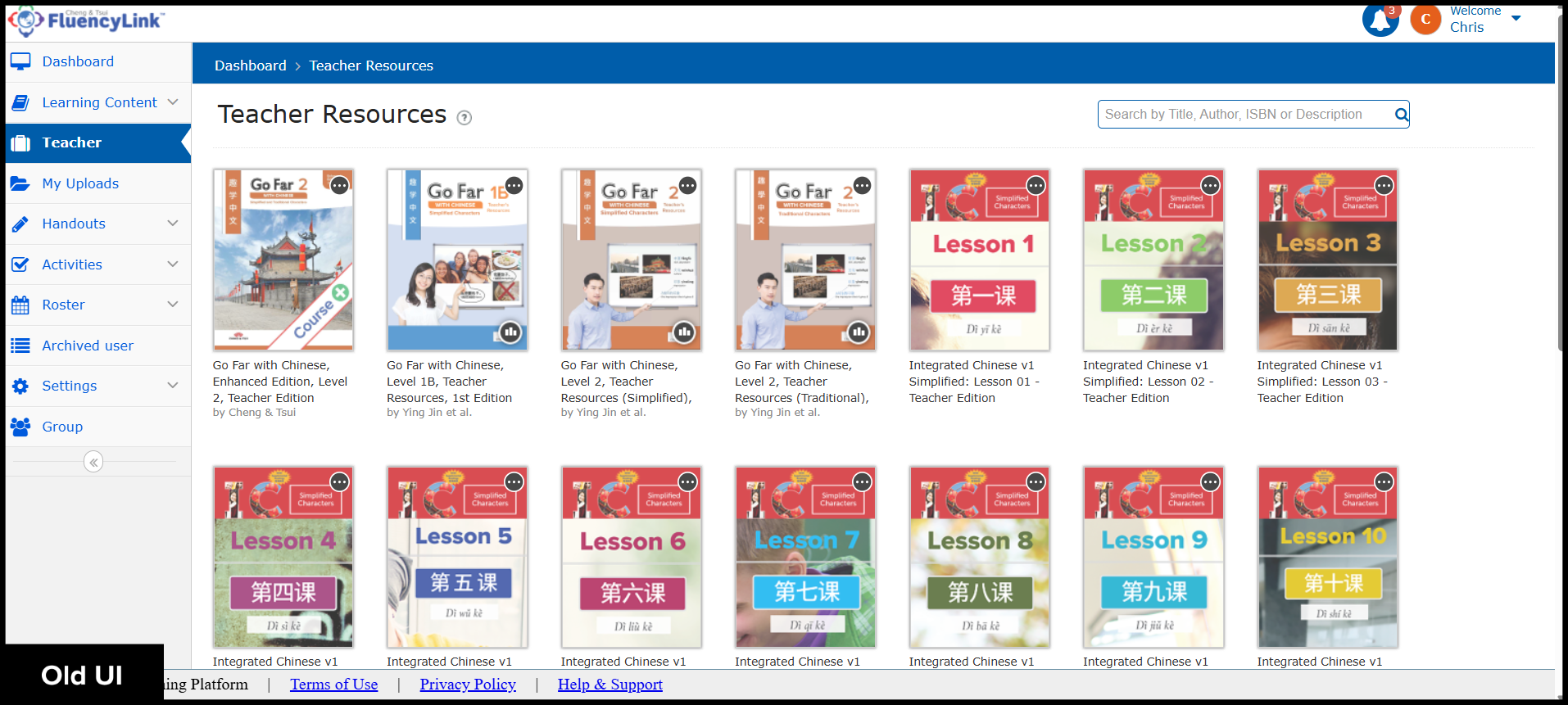
The Teacher Resources are now located under the Learning Content menu.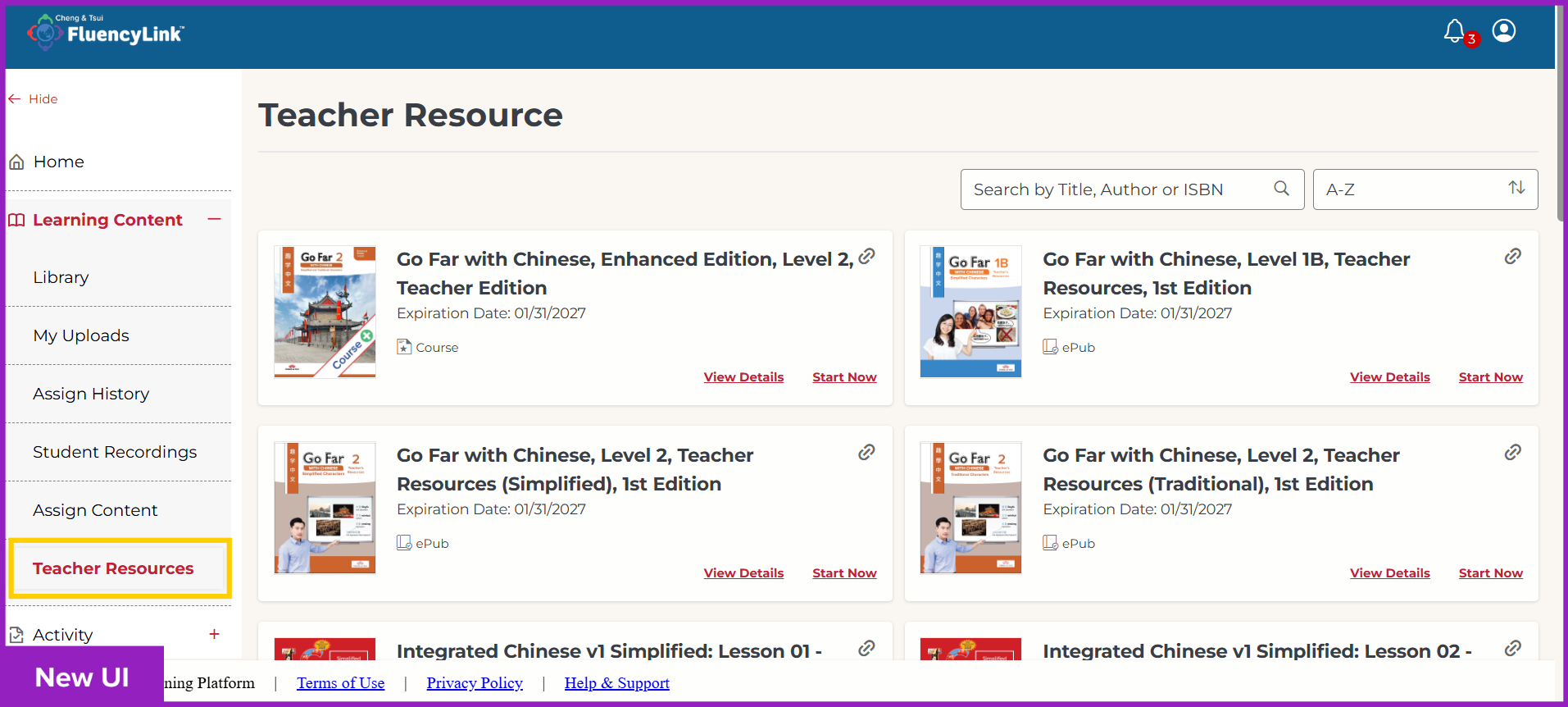
Click to see old UI view
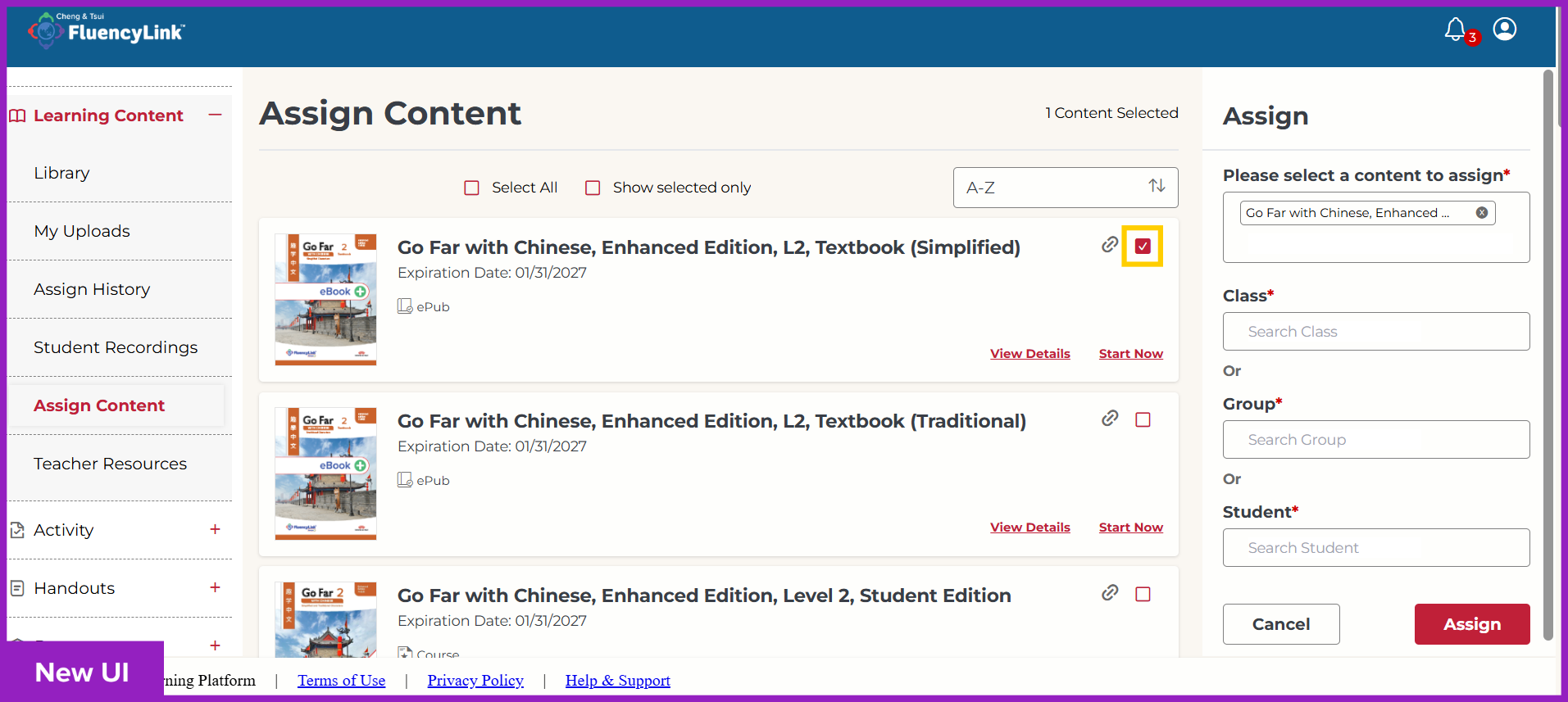
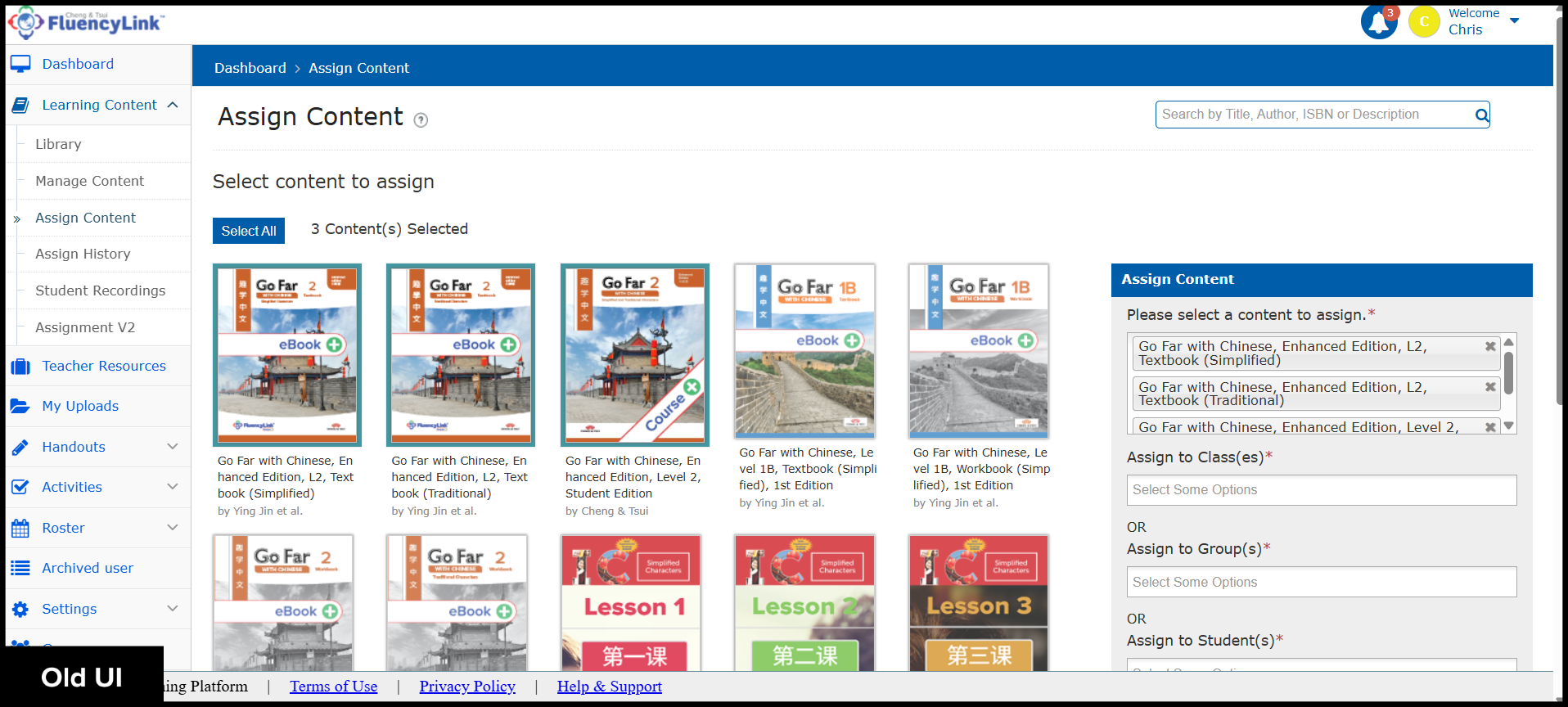
The Assign Content page now features checkboxes for selection.
Click to see old UI view
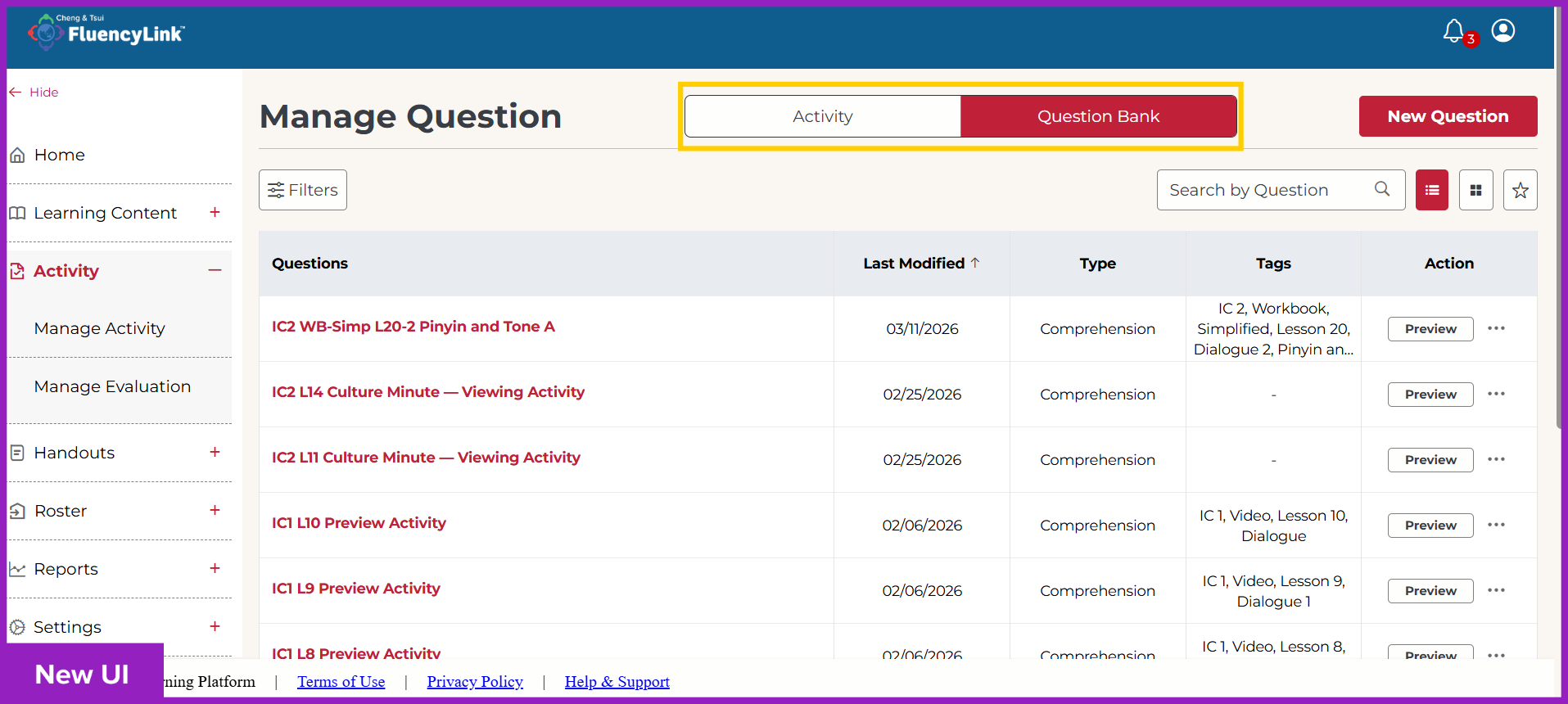
Question & Activity Bank
Switch back and forth between viewing Activities and Questions with convenient tabs.
Click to see old UI view
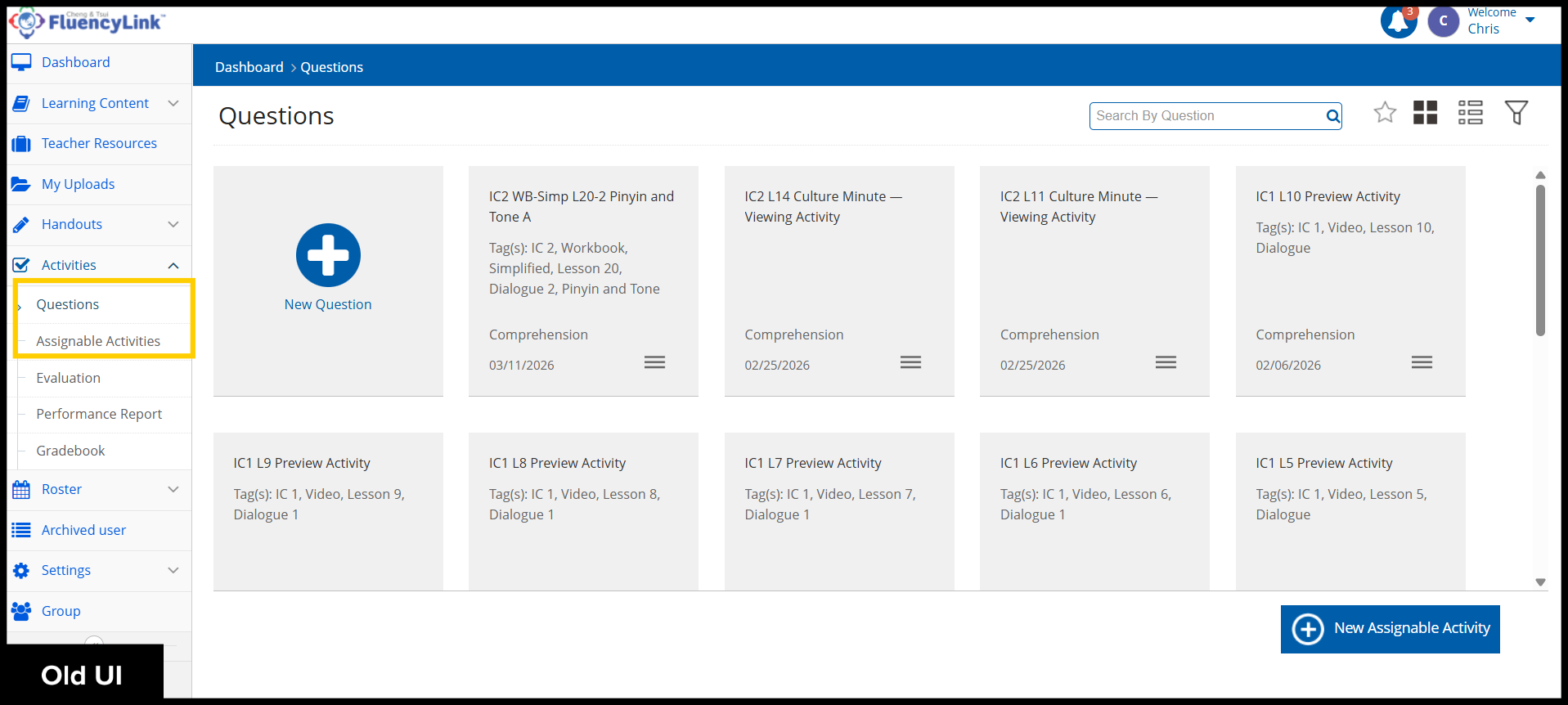
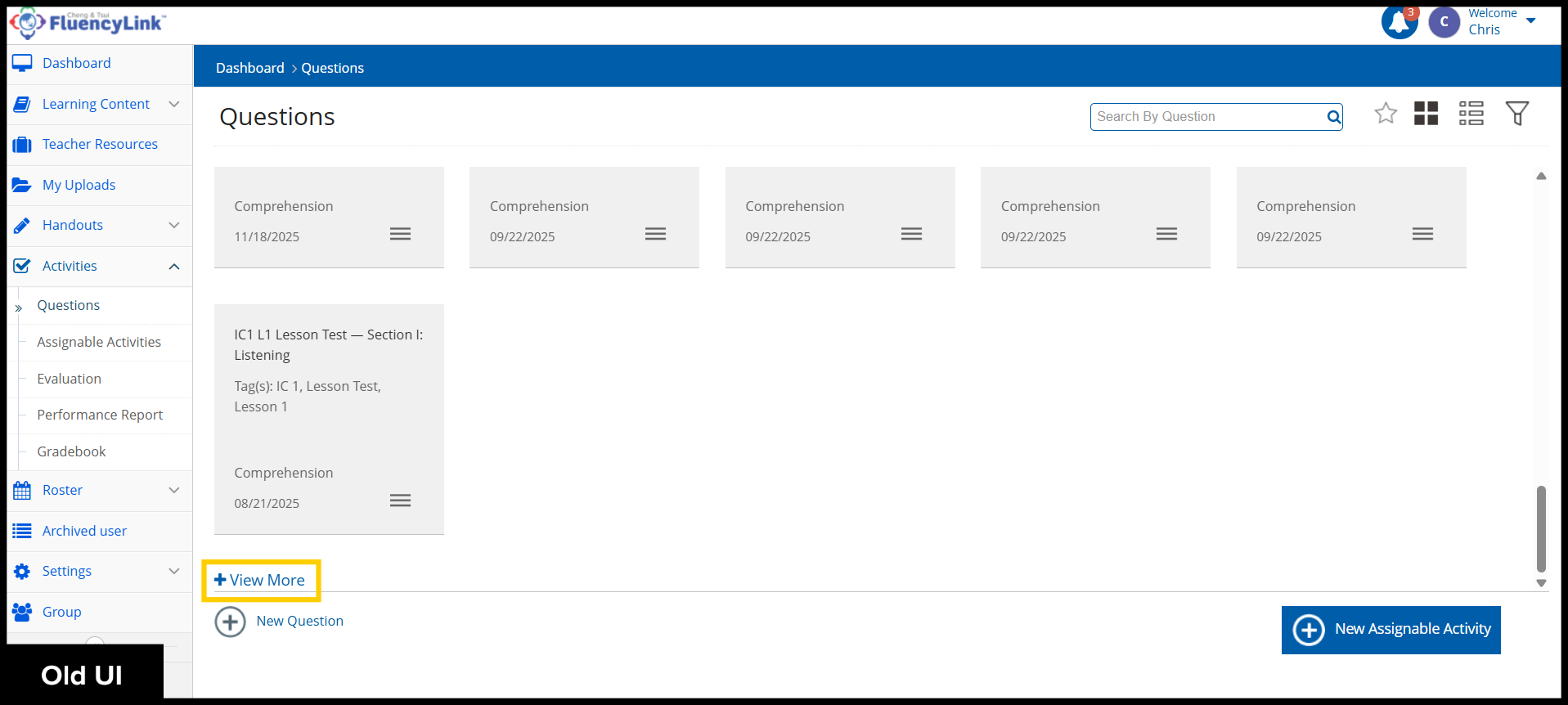
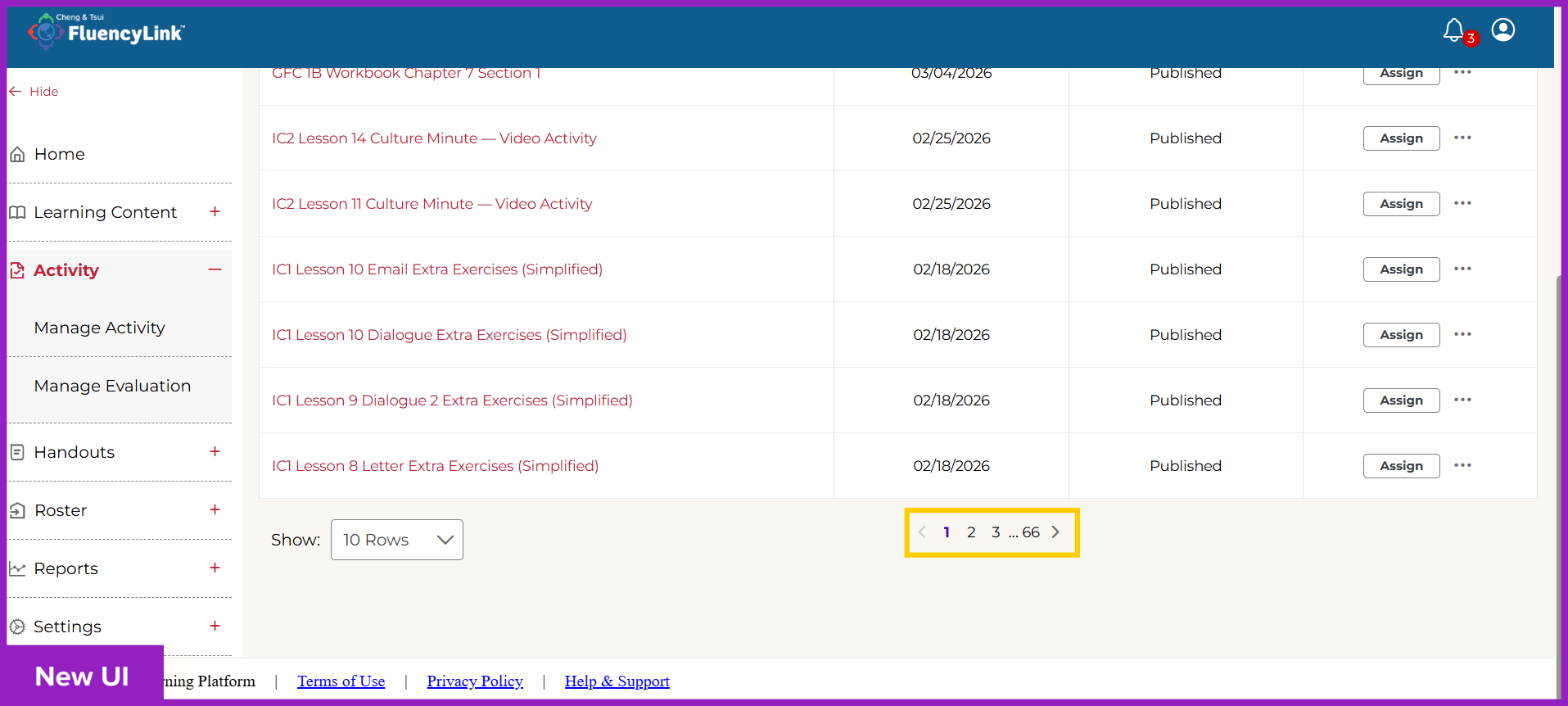
Your Activities (or Question Bank) display on pages instead of an endless scroll. You can also adjust the number of results per page: 10, 15, or 20.
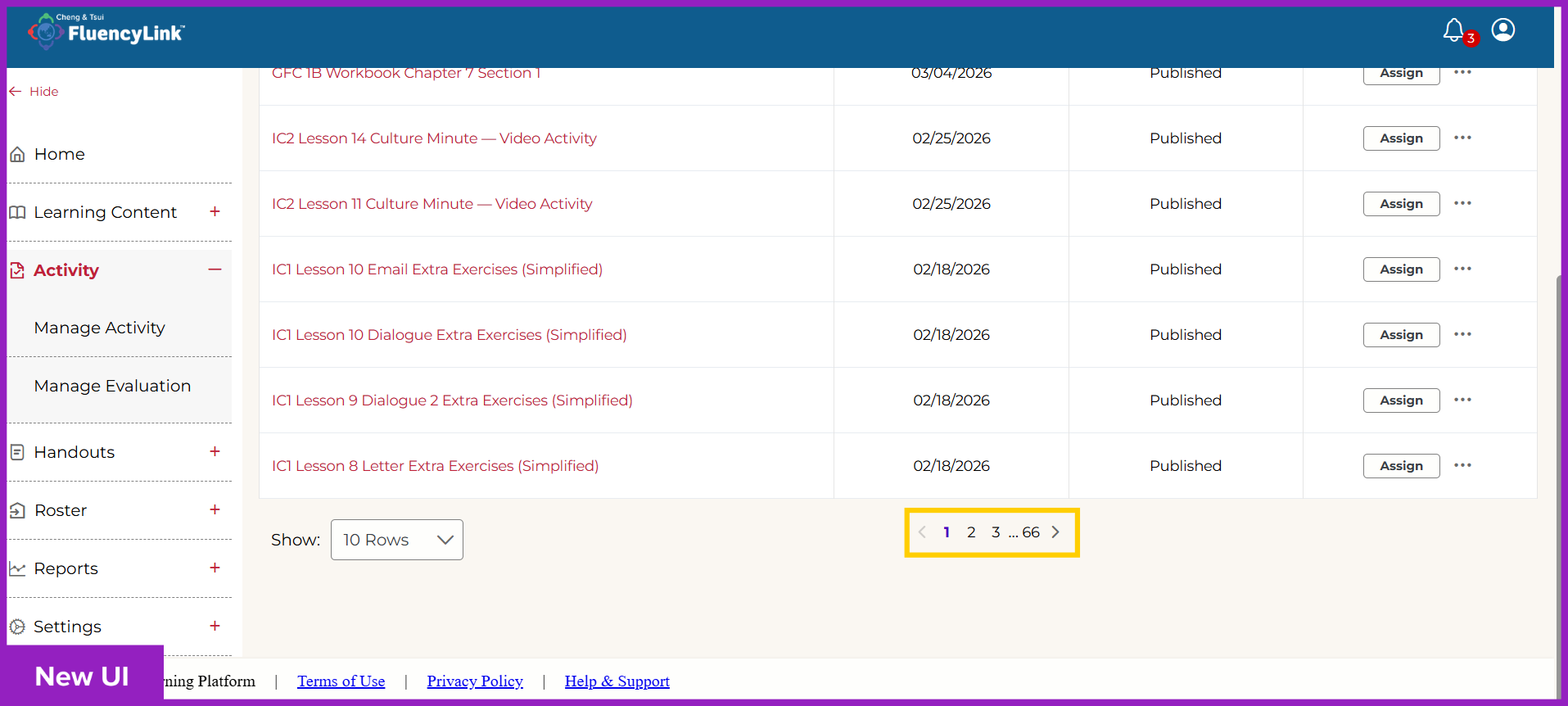
Click to see old UI view
Improved search functionality when searching for Activities.
Creating & Assigning Activities
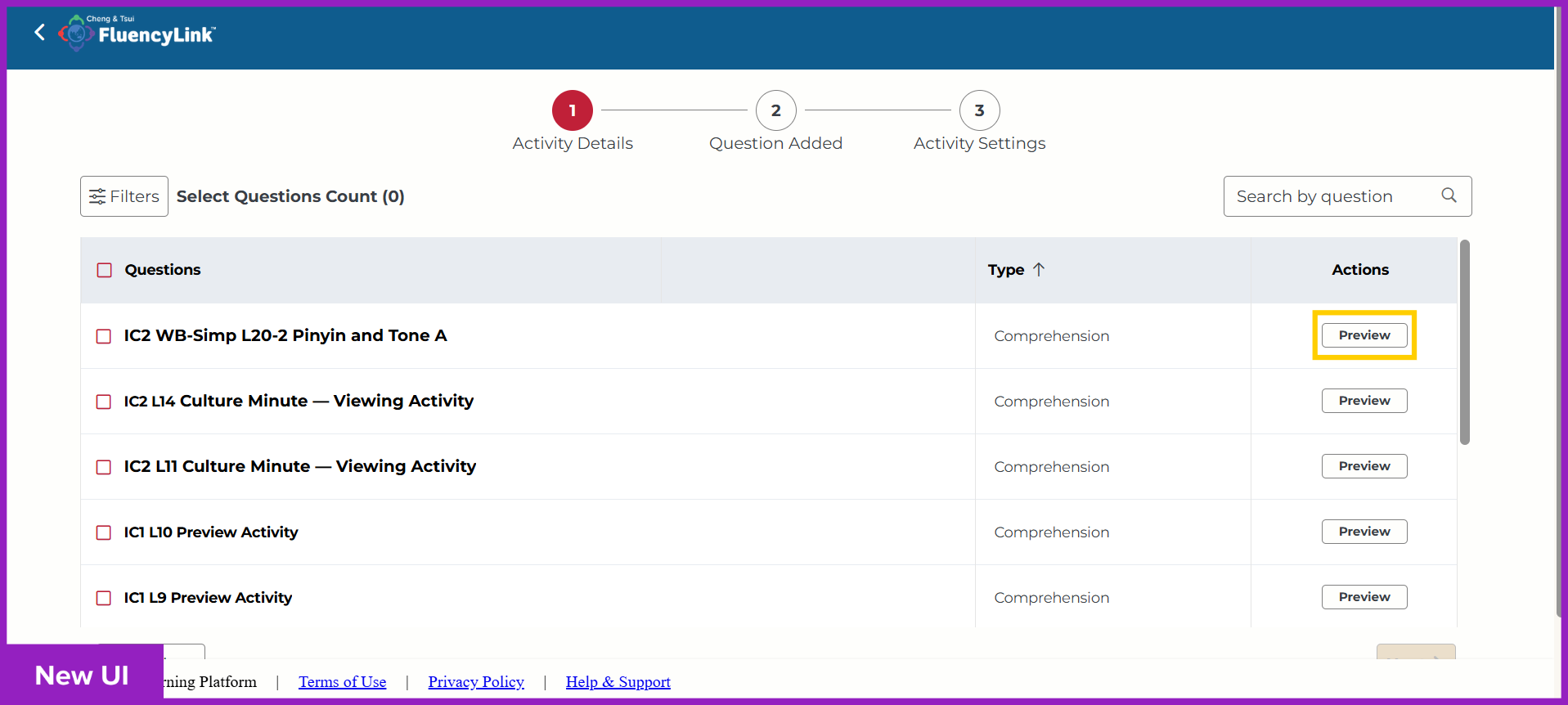
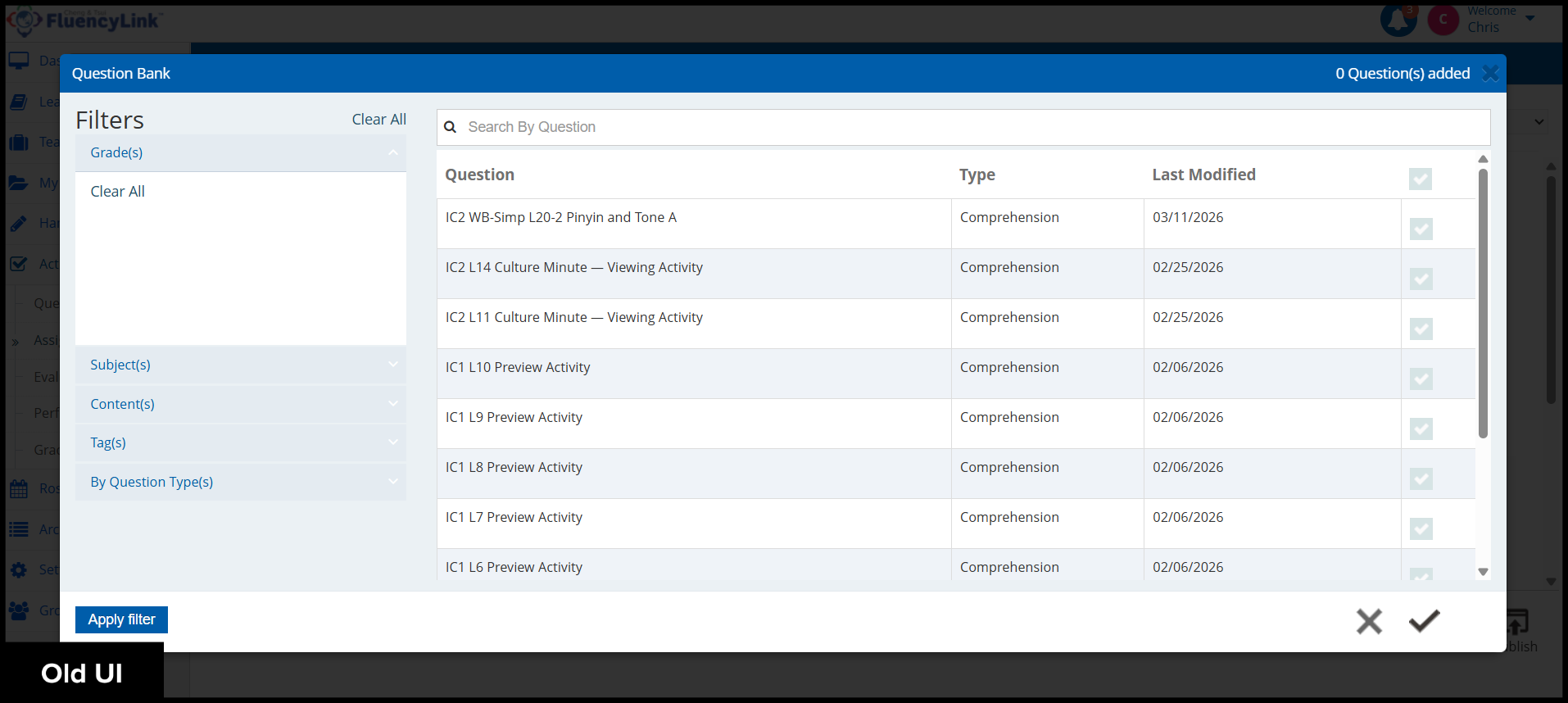
When adding questions from Question Bank to an Activity, you can now use the preview button to view the content of individual Questions.
Click to see old UI view
Improved search functionality for searching the Question Bank.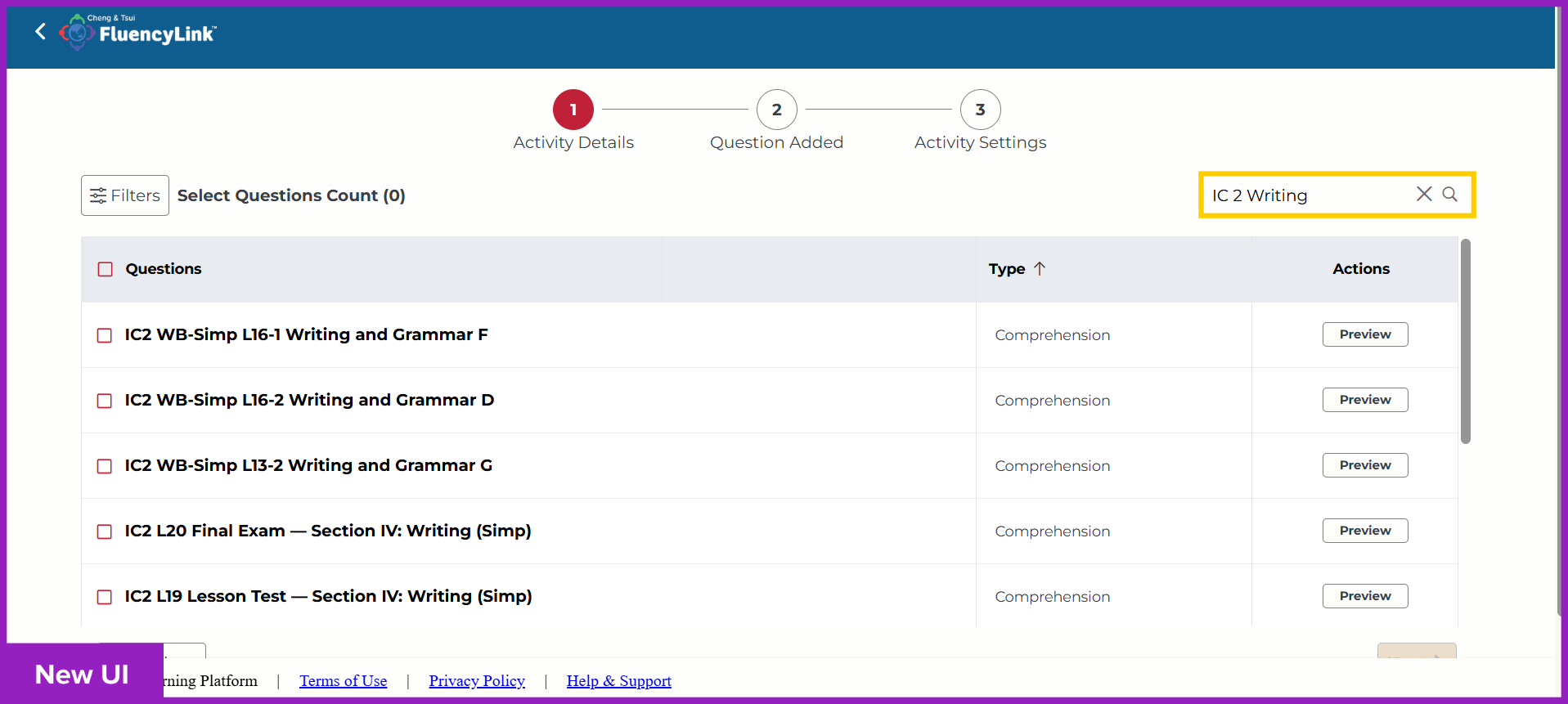
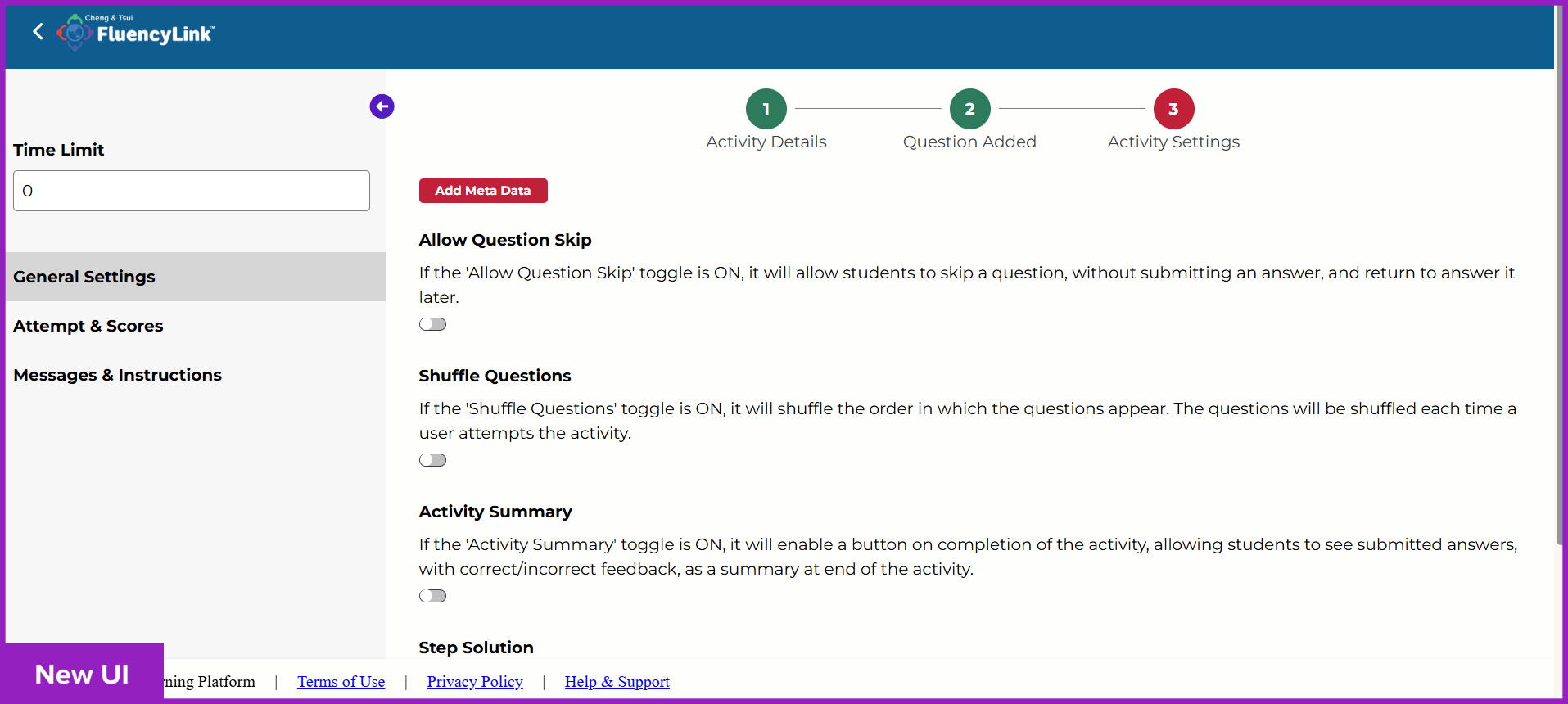
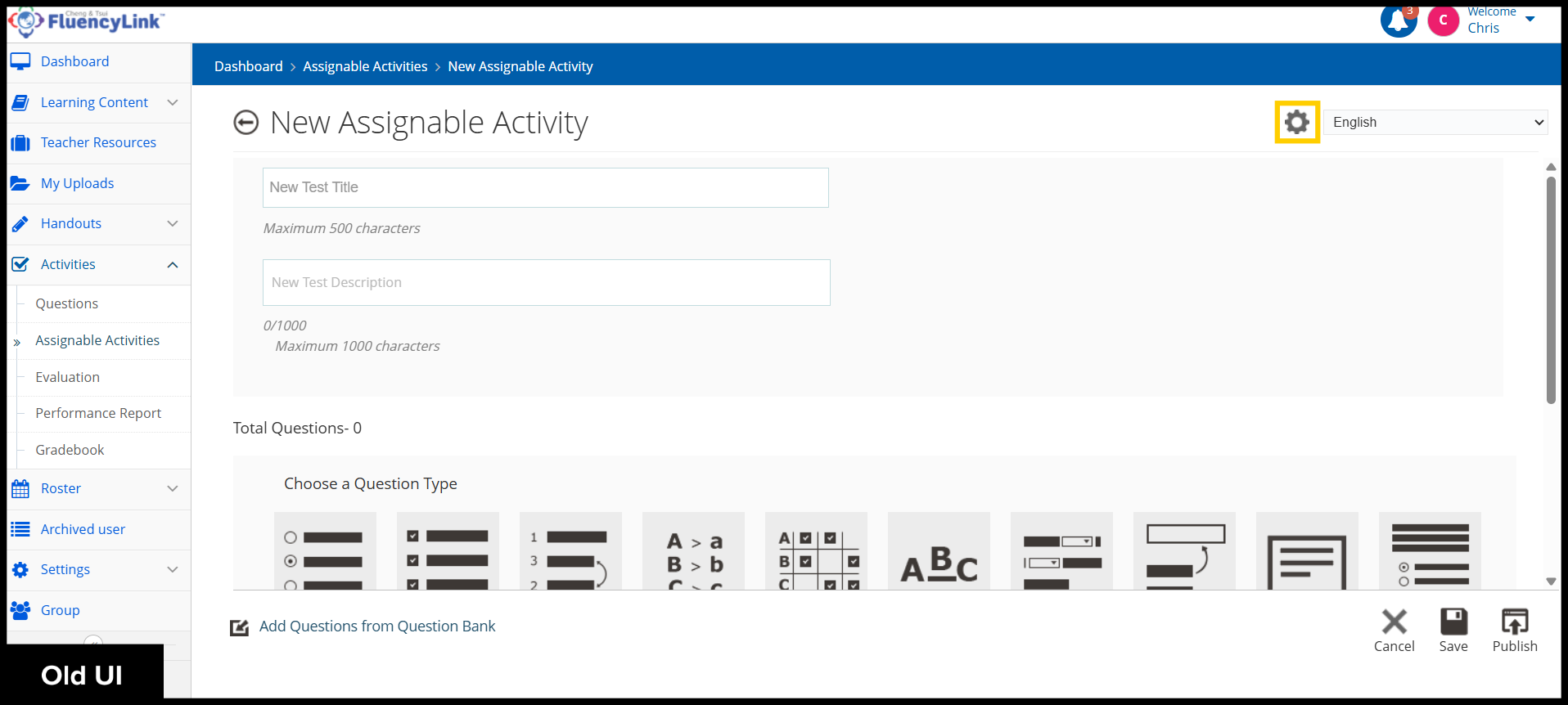
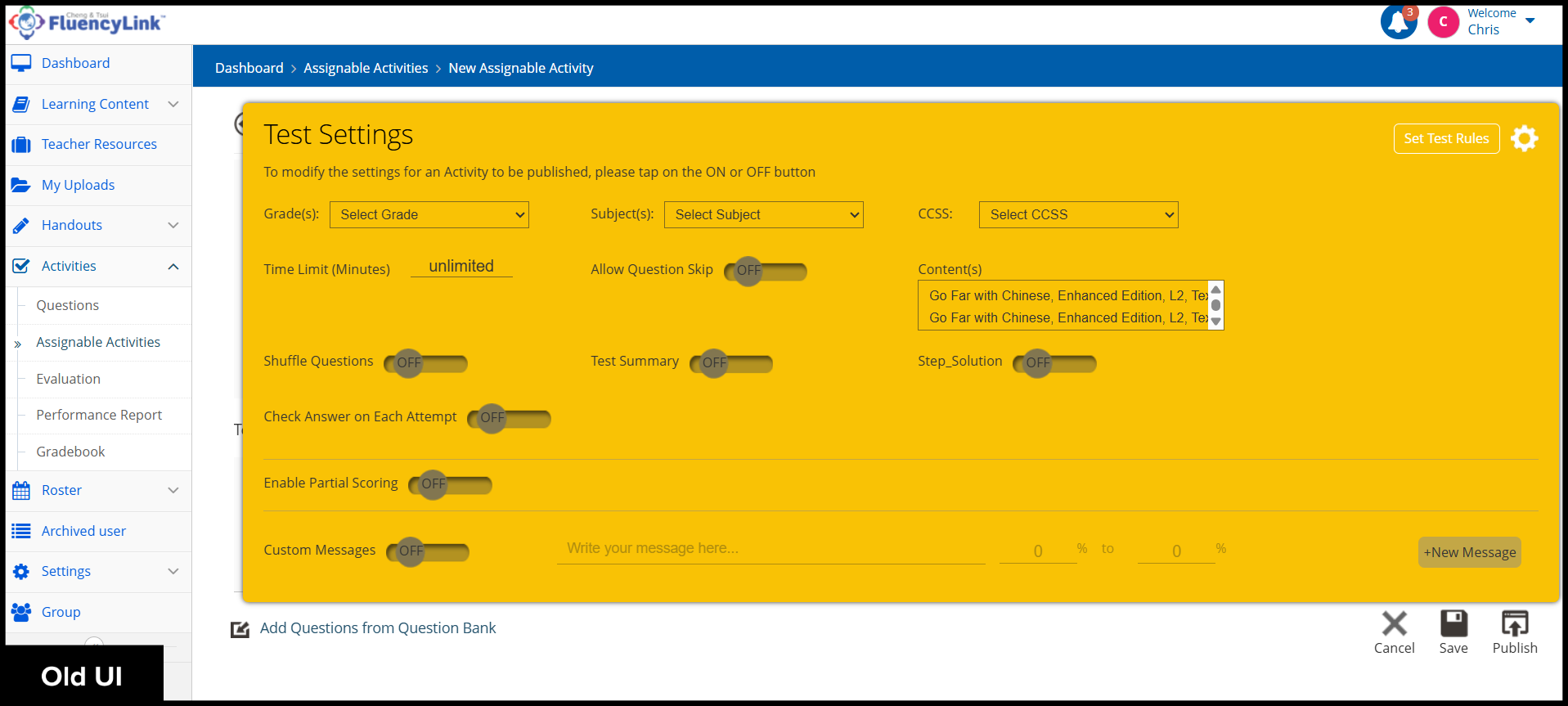
Easier access to Activity settings.
Click to see old UI view
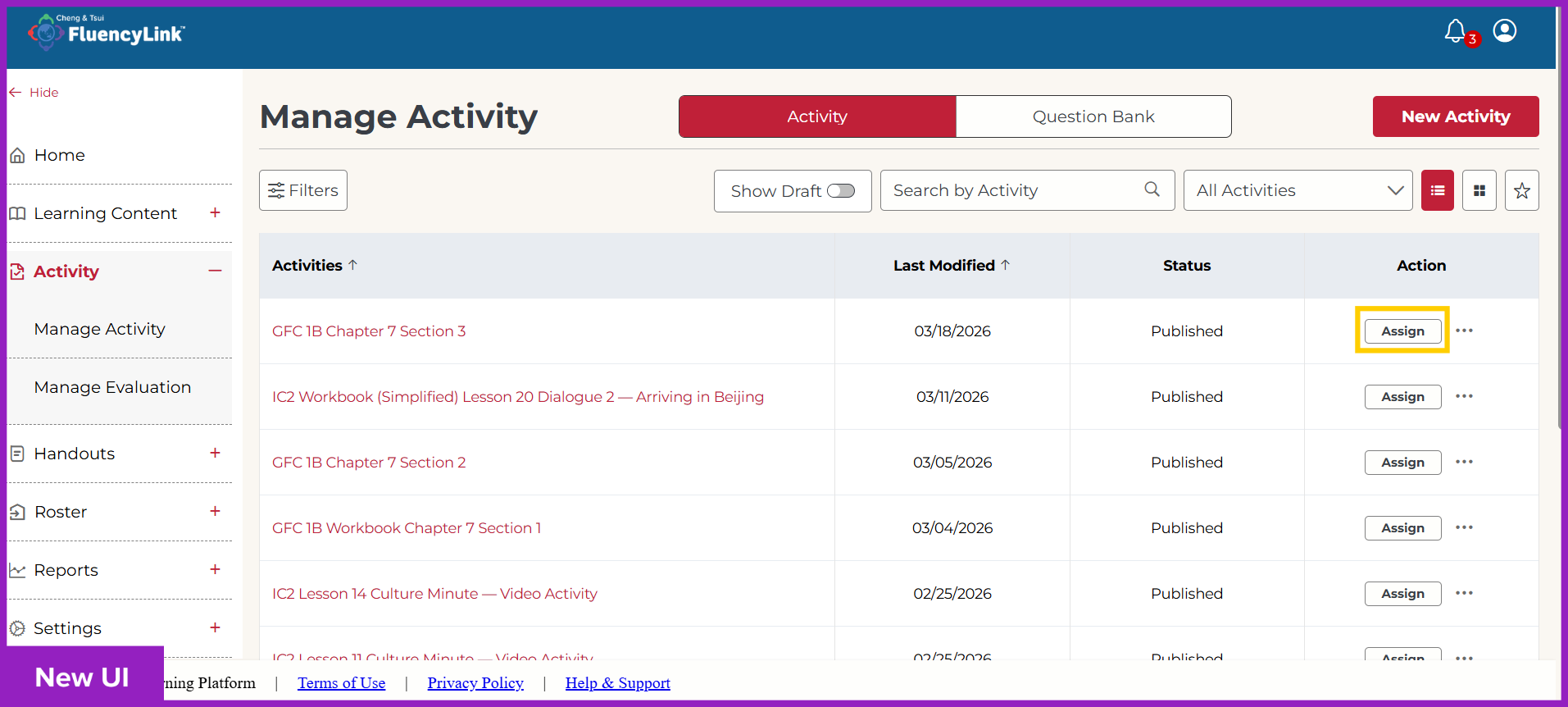
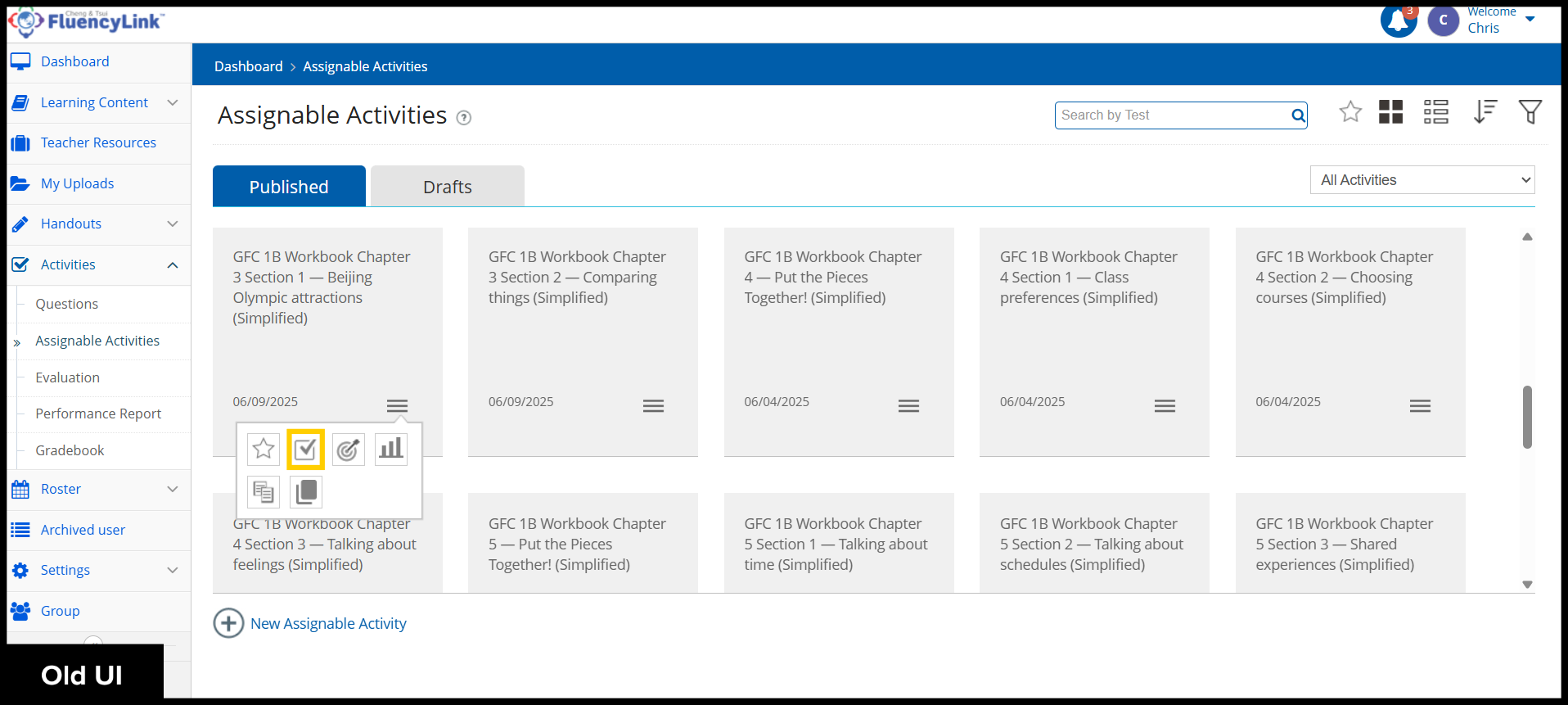
Easy-to-access Assign buttons for your Activities.
Click to see old UI view
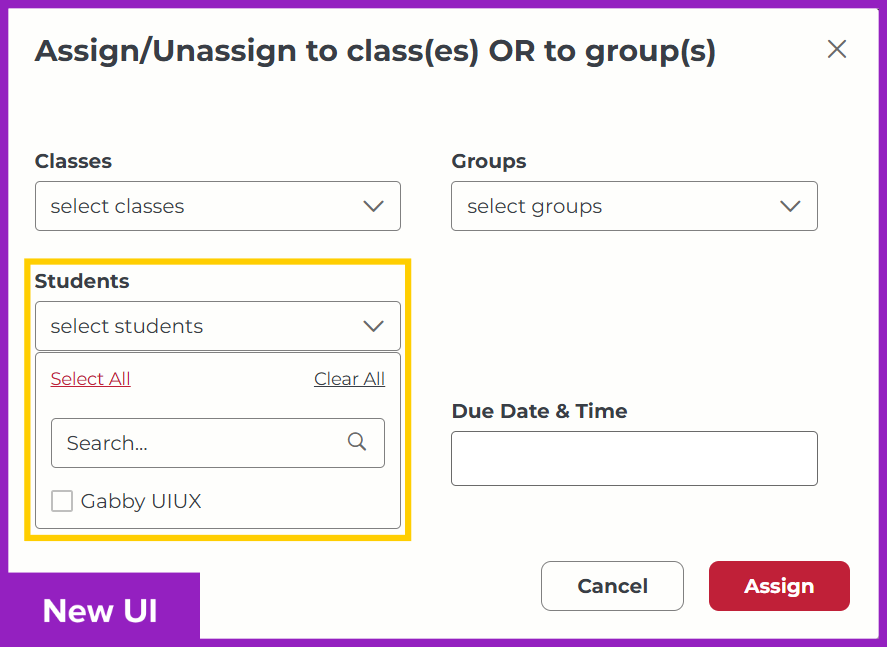
New option to assign Activities to individual students.
Evaluation
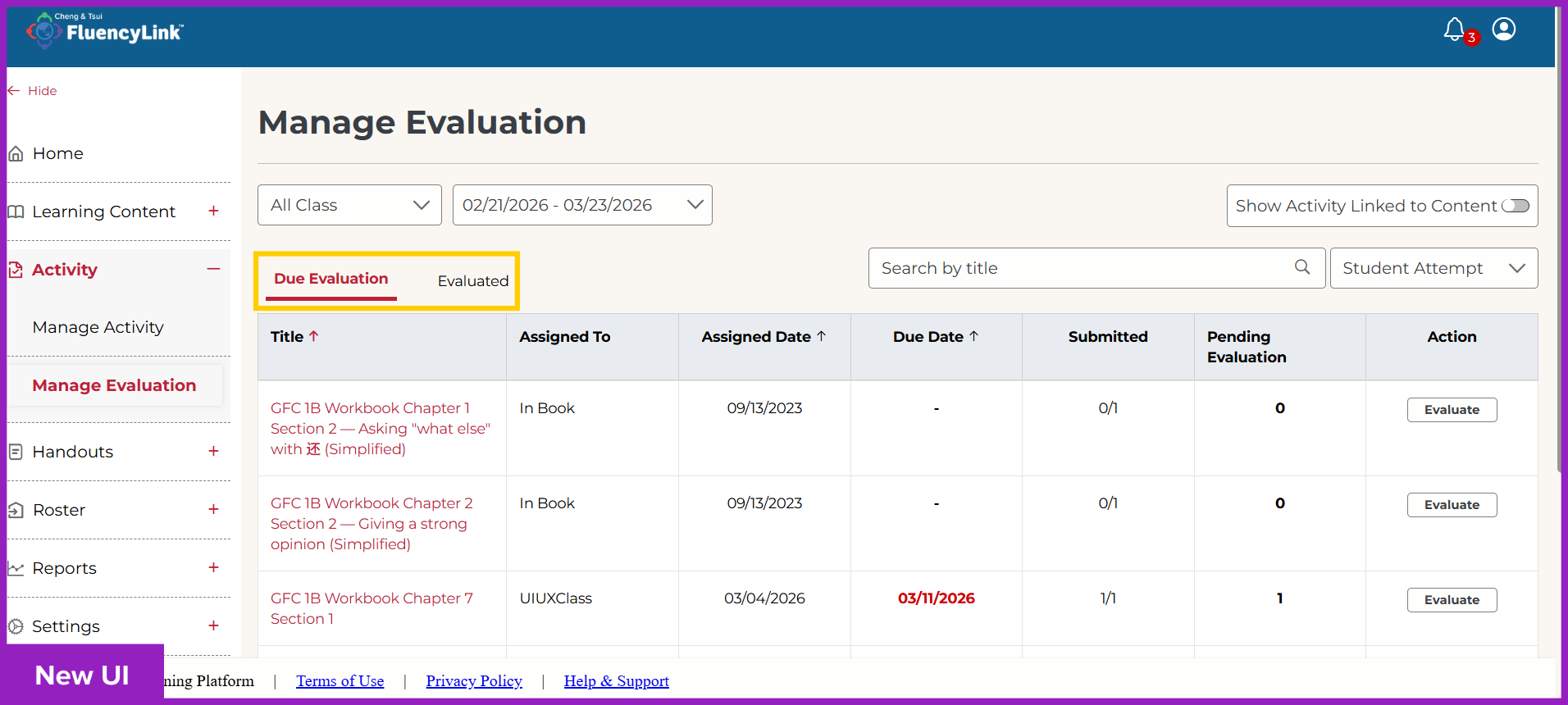
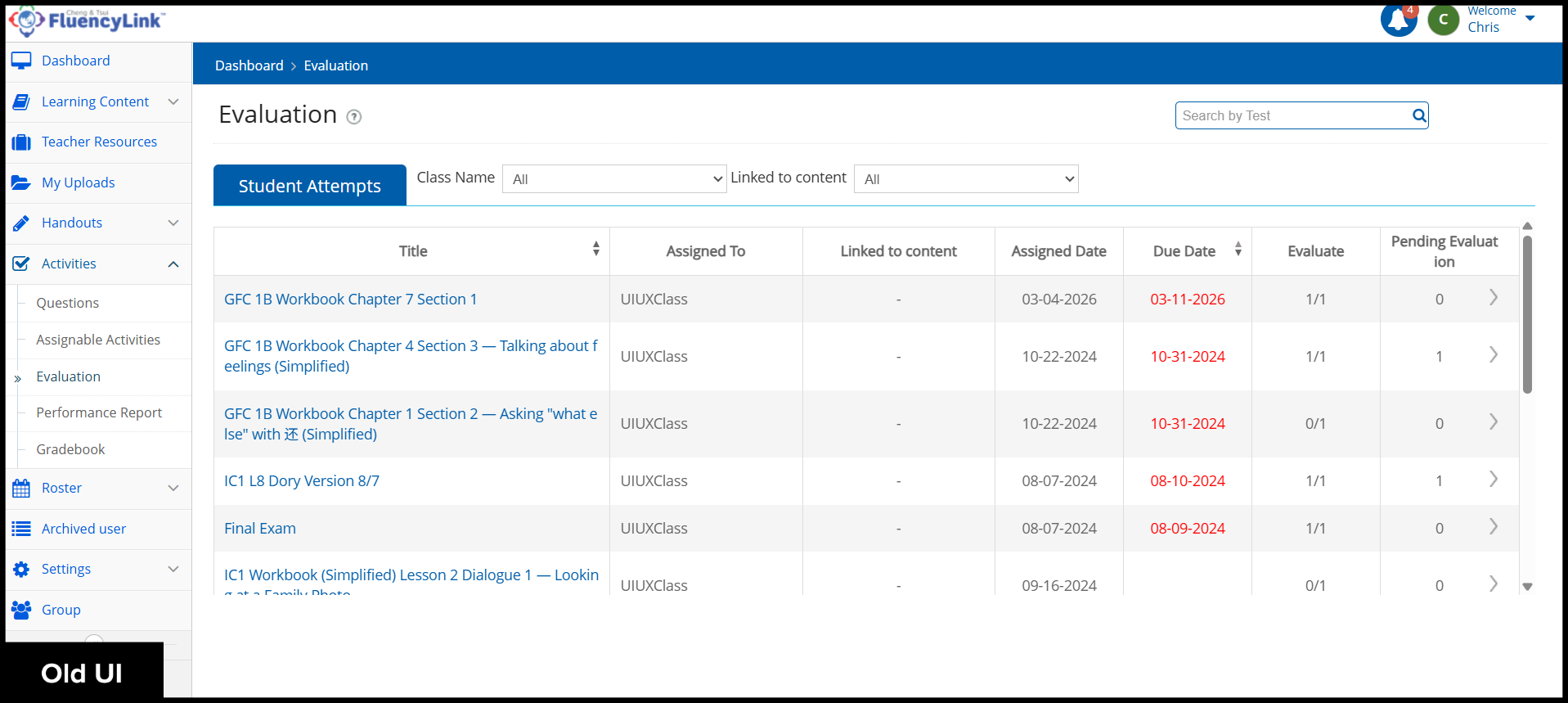
Separate Due Evaluation and Evaluated tabs help keep your grading organized.
Click to see old UI view
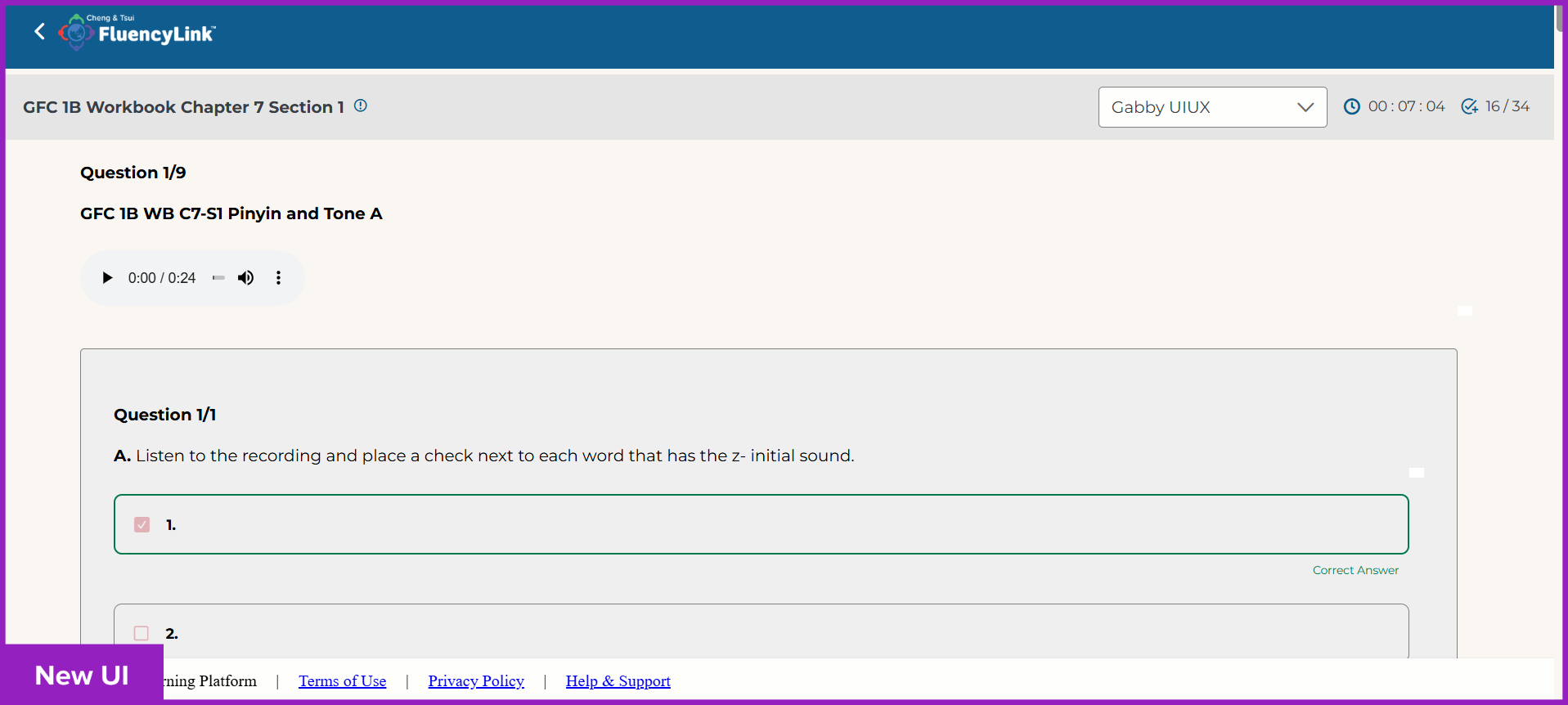
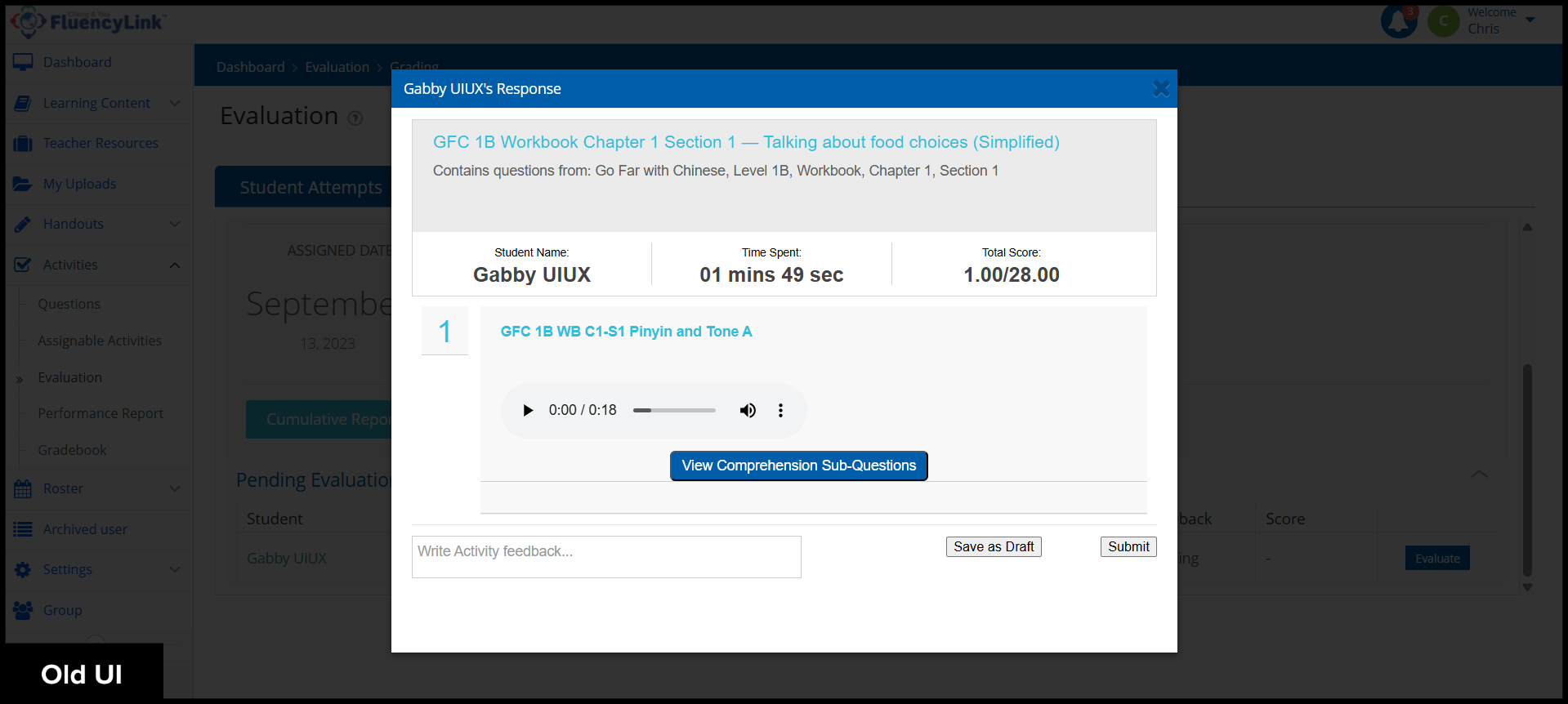
The new Evaluation interface is larger for viewing student responses/grading, and the sub-questions are pre-expanded.
Click to see old UI view
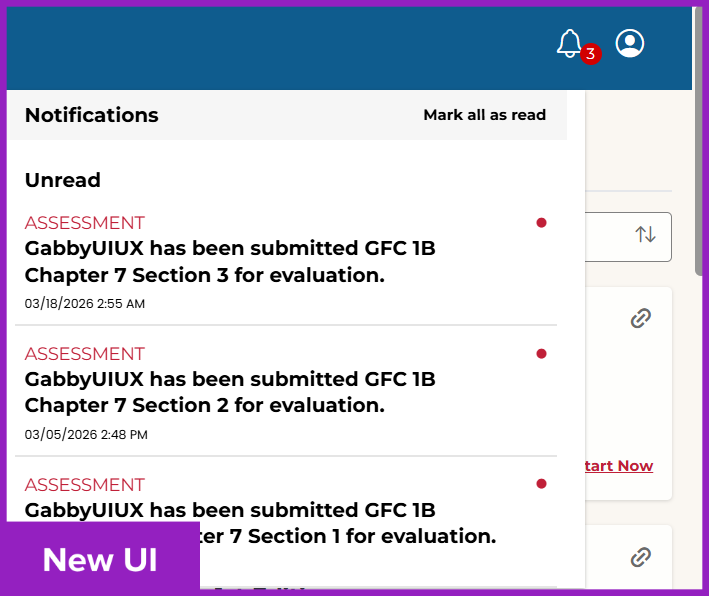
Teachers receive notifications when students submit Activities.
Reports
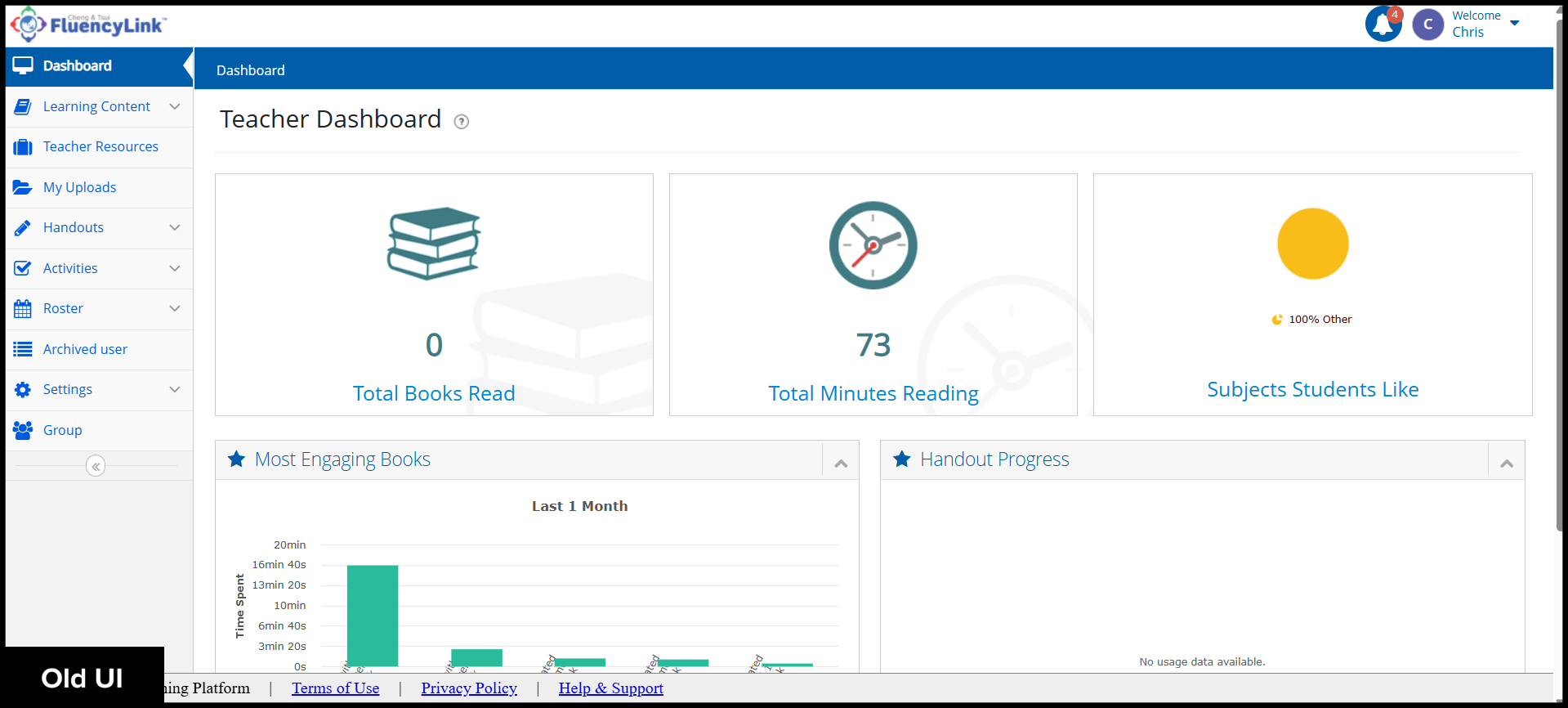
The Dashboard has moved to the Reports section.
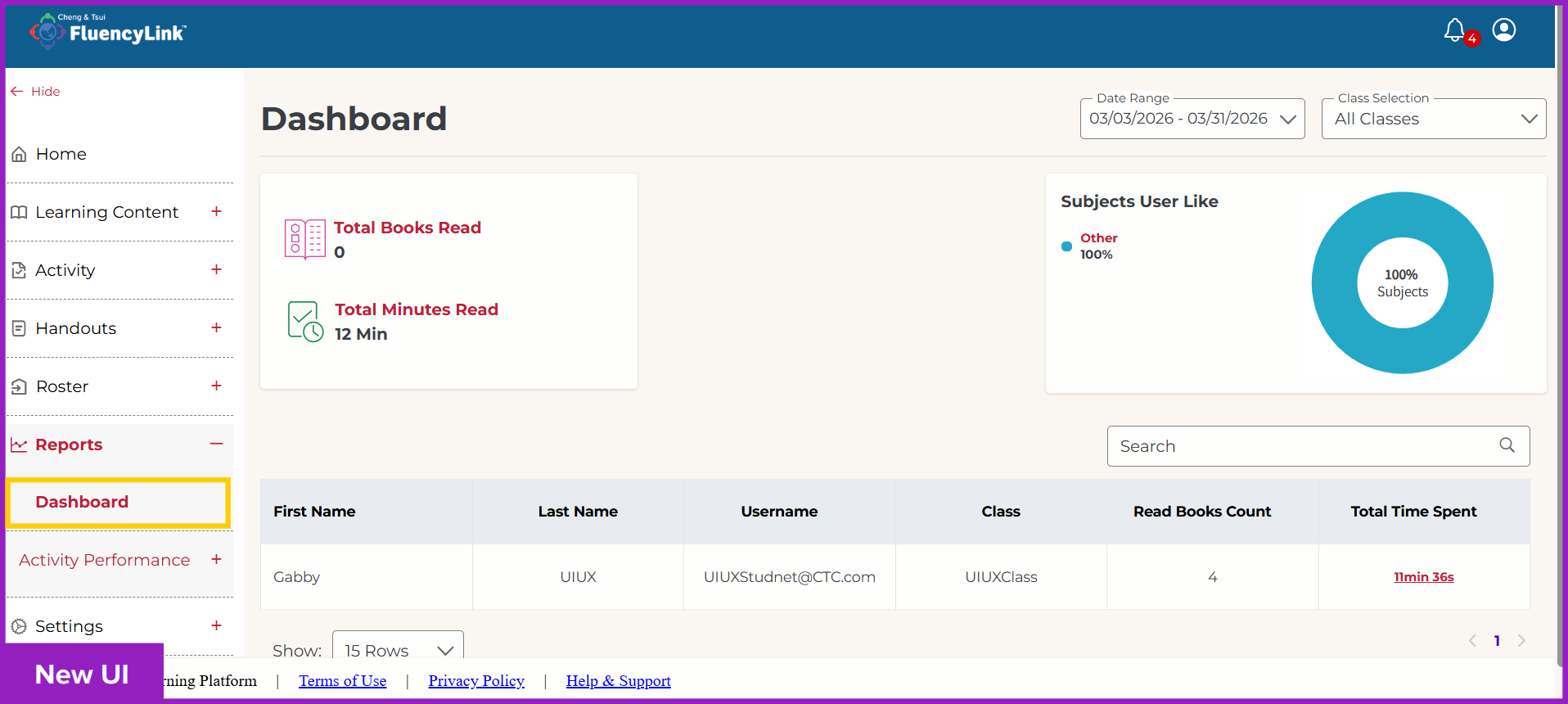
Click to see old UI view
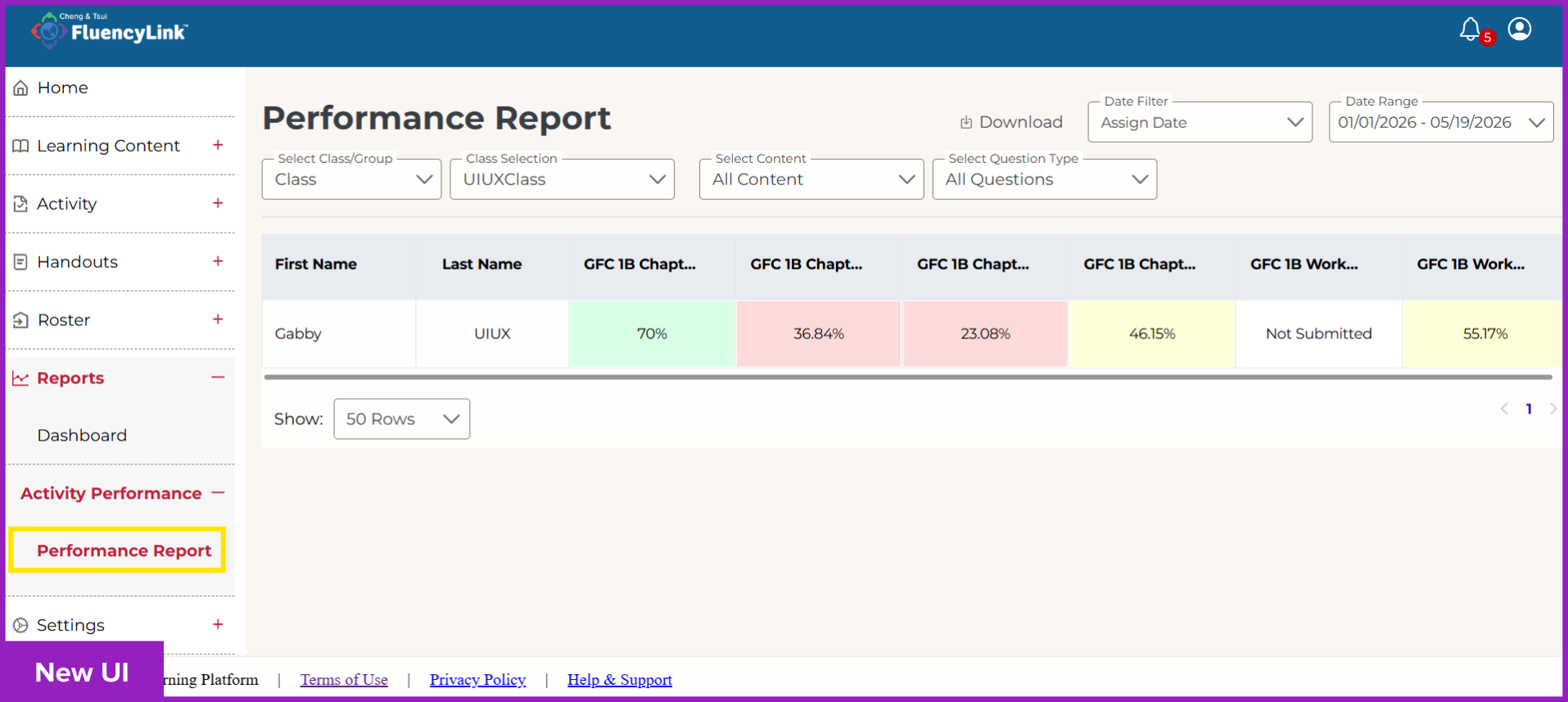
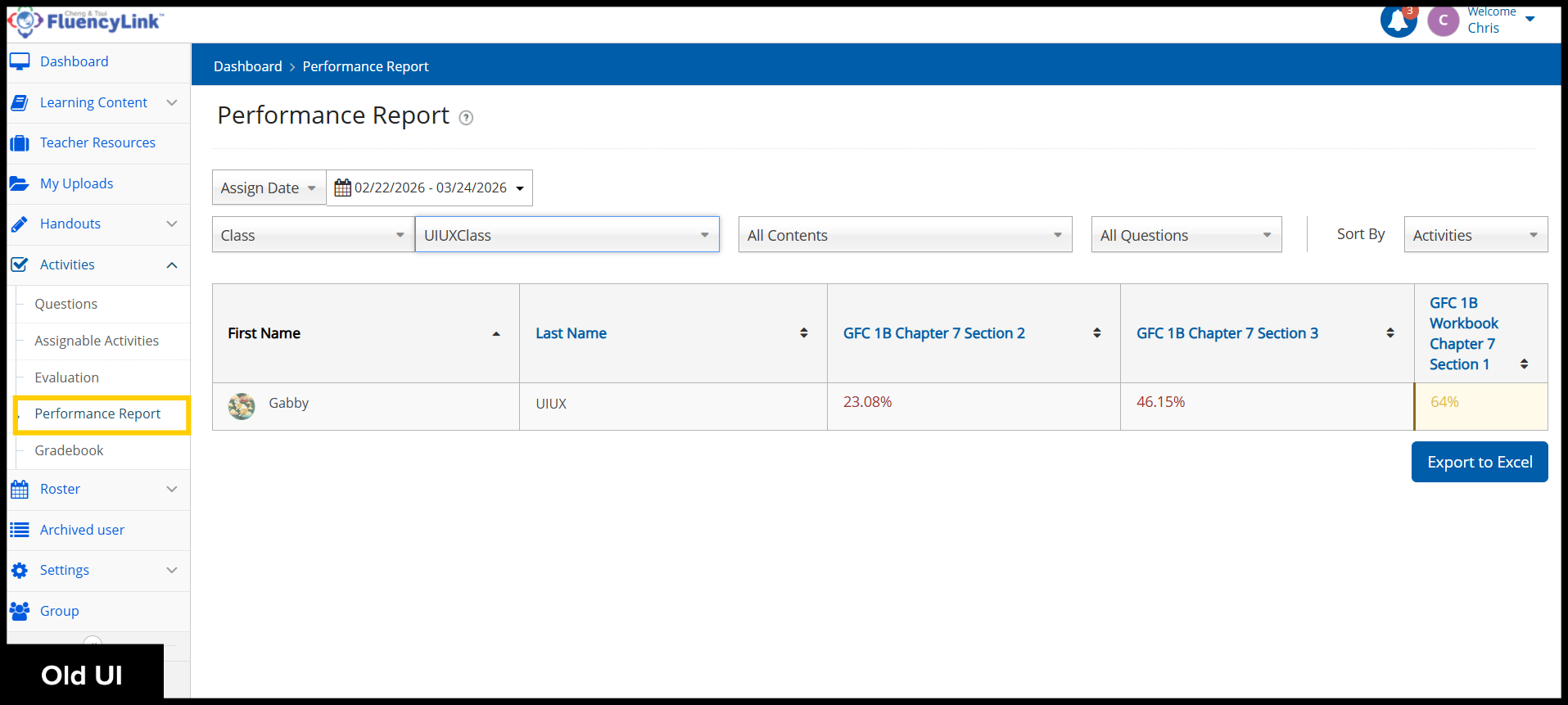
The Performance Report has moved to the Reports section.
Click to see old UI view
Was this article helpful?
That’s Great!
Thank you for your feedback
Sorry! We couldn't be helpful
Thank you for your feedback
Feedback sent
We appreciate your effort and will try to fix the article