Character Workbook/Kanji Worksheet
For Integrated Chinese, Go Far with Chinese, and Adventures in Japanese
FluencyLink subscriptions offer Character Workbooks as downloadable and printable PDFs, hotspotted inside each Workbook.
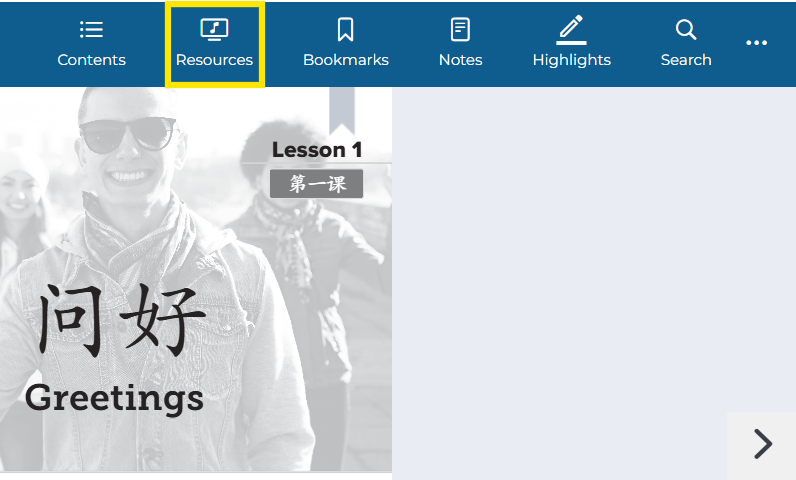
Not what you see? Click to see the old UI view.
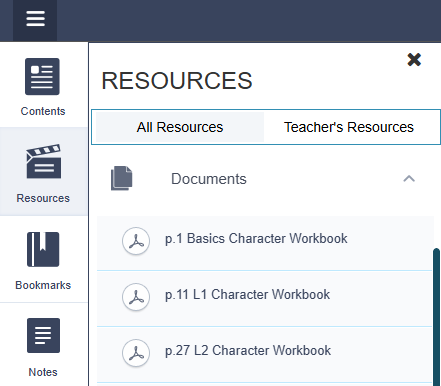
Click on Resources on the left side of the e-reader.
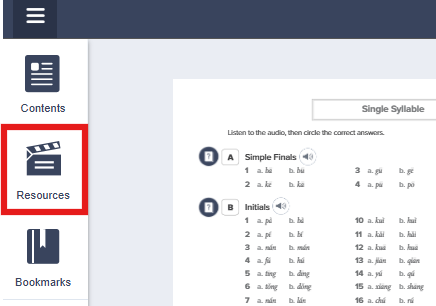
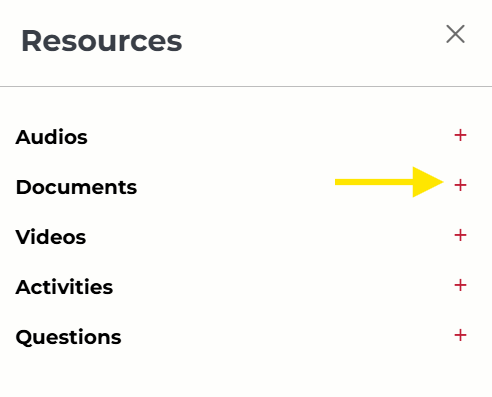
Not what you see? Click to see the old UI view.
Click on Documents in the newly opened menu.
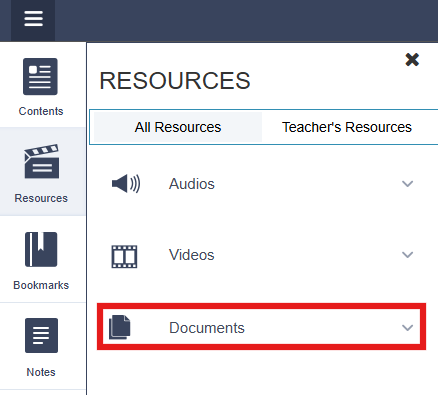
5. Here you will see the Character Workbook files separated by lesson/chapter. Click on the one you wish to download.
(Note: If you are using Adventures in Japanese, you will see hiragana, kanji, and katakana worksheets.)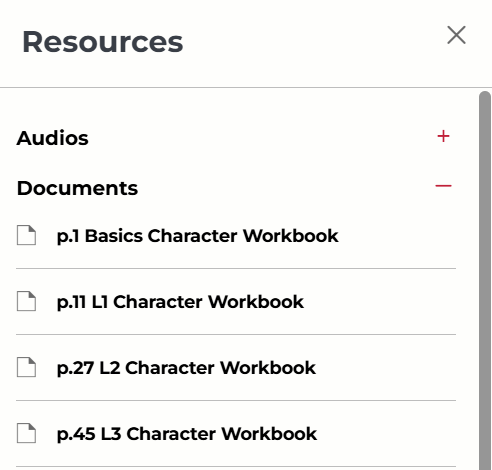
Not what you see? Click to see the old UI view.
6. A document window will pop up in the middle of your screen. Click the PDF icon to download.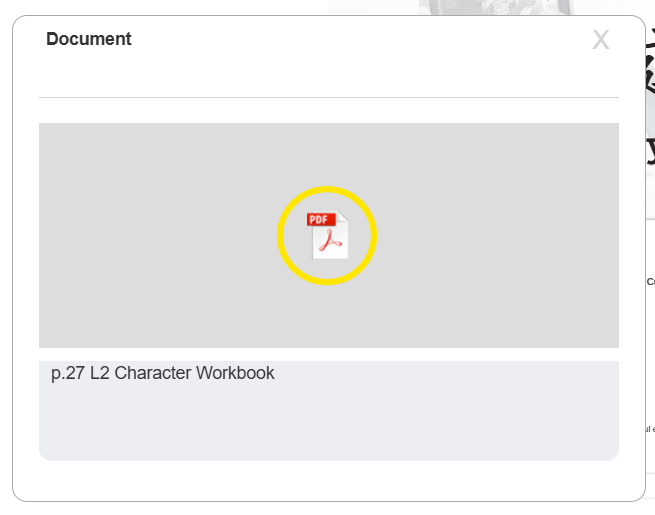
Was this article helpful?
That’s Great!
Thank you for your feedback
Sorry! We couldn't be helpful
Thank you for your feedback
Feedback sent
We appreciate your effort and will try to fix the article