Students:
No, you are unable to print out the workbook. Some workbooks do offer printable handwriting worksheets. For more info, please see: How can we access the Character Workbooks?
Teachers:
While you are unable to directly print the workbook, you can print out our pre-made activities. Our pre-made activities are adapted directly from the workbook.
1. Log in to FluencyLink.
2. On the lefthand menu, go to Activity > Manage Activity.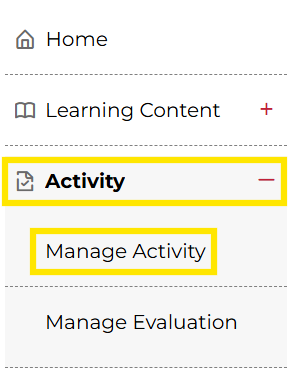
Not what you see? Click to see the old UI view.
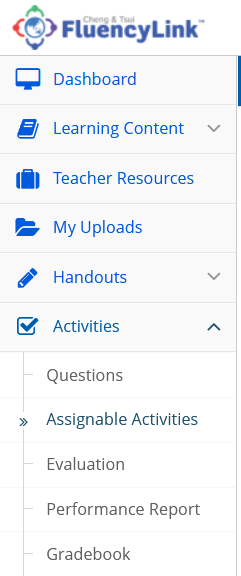
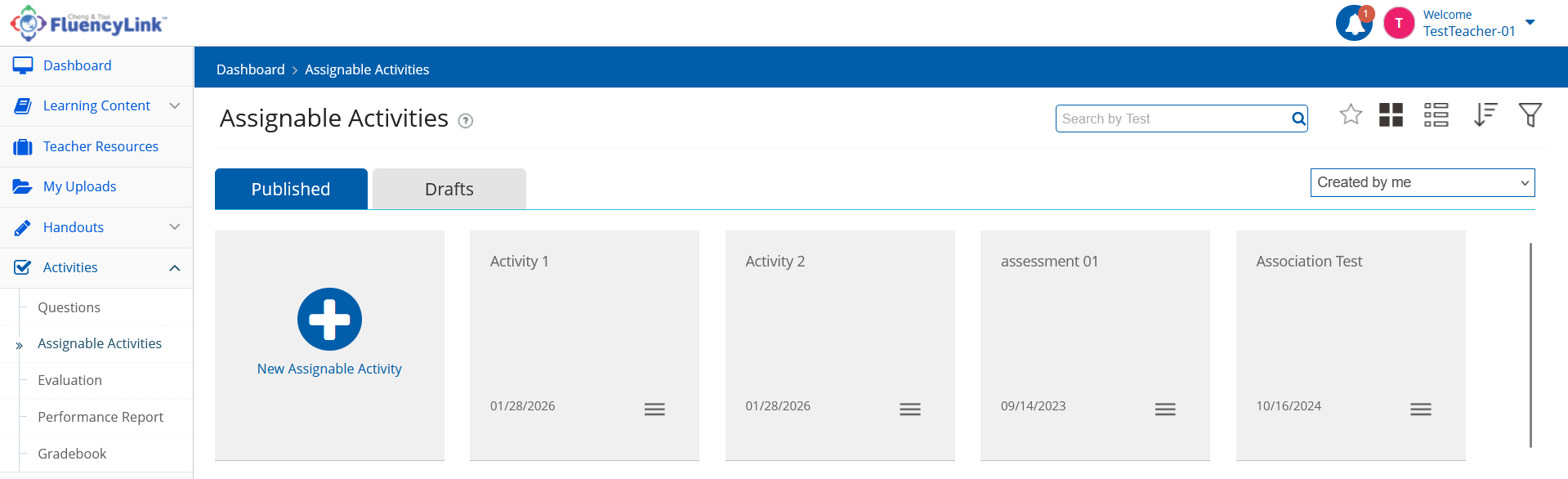
Go to Activities > Assignable Activities
3. Click on the name of the activity you want to print.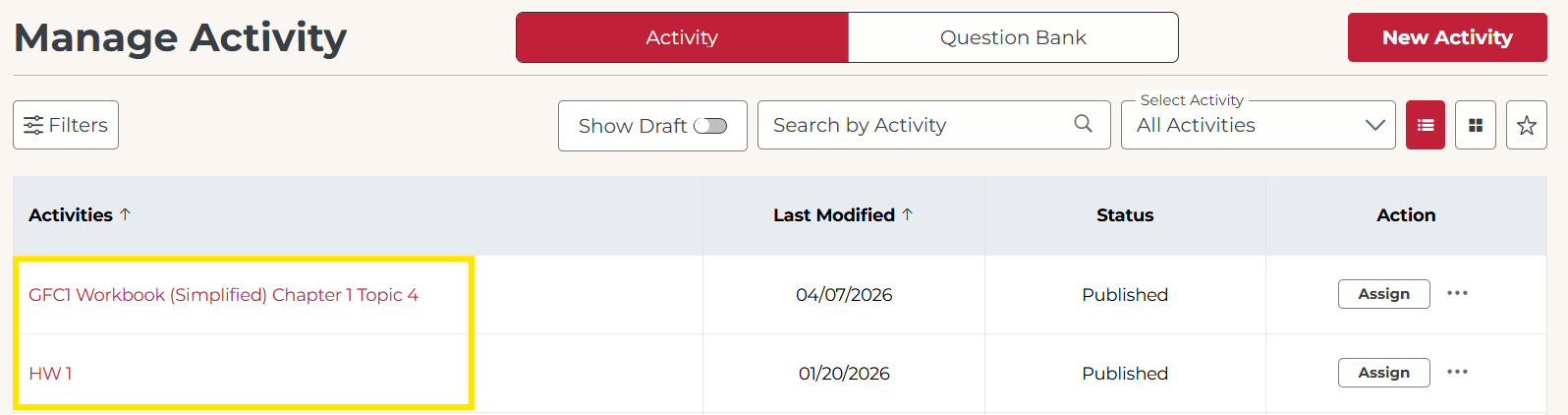
Not what you see? Click to see the old UI view.
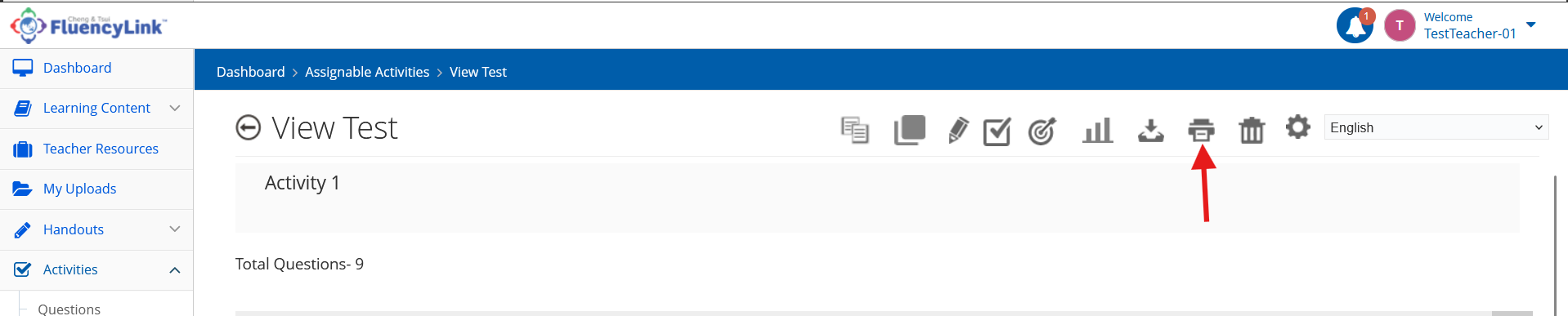
4. Click on the Print icon in the top-right corner.
Not what you see? Click to see the old UI view.
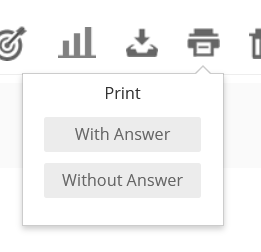
5. Select the option to print With Answer (answer key) or Without Answer (for students).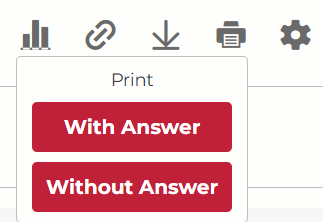
Not what you see? Click to see the old UI view.
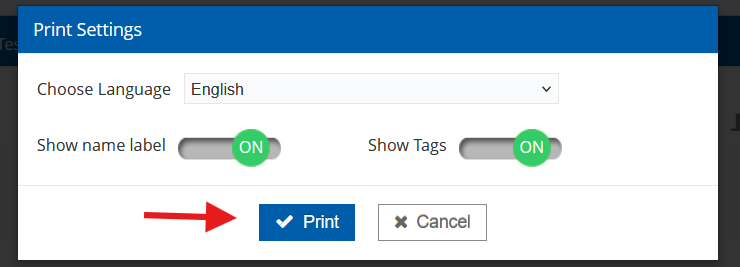
6. Click Print.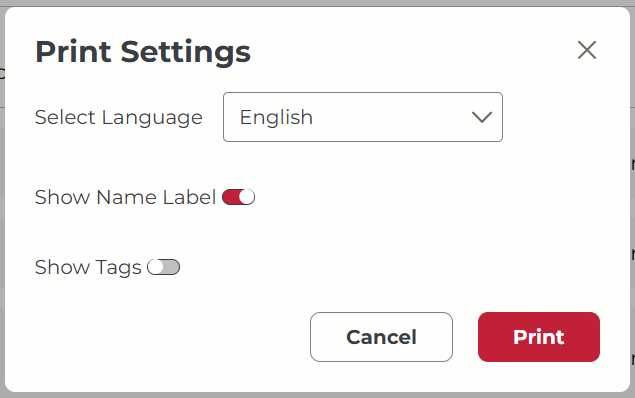
Not what you see? Click to see the old UI view.
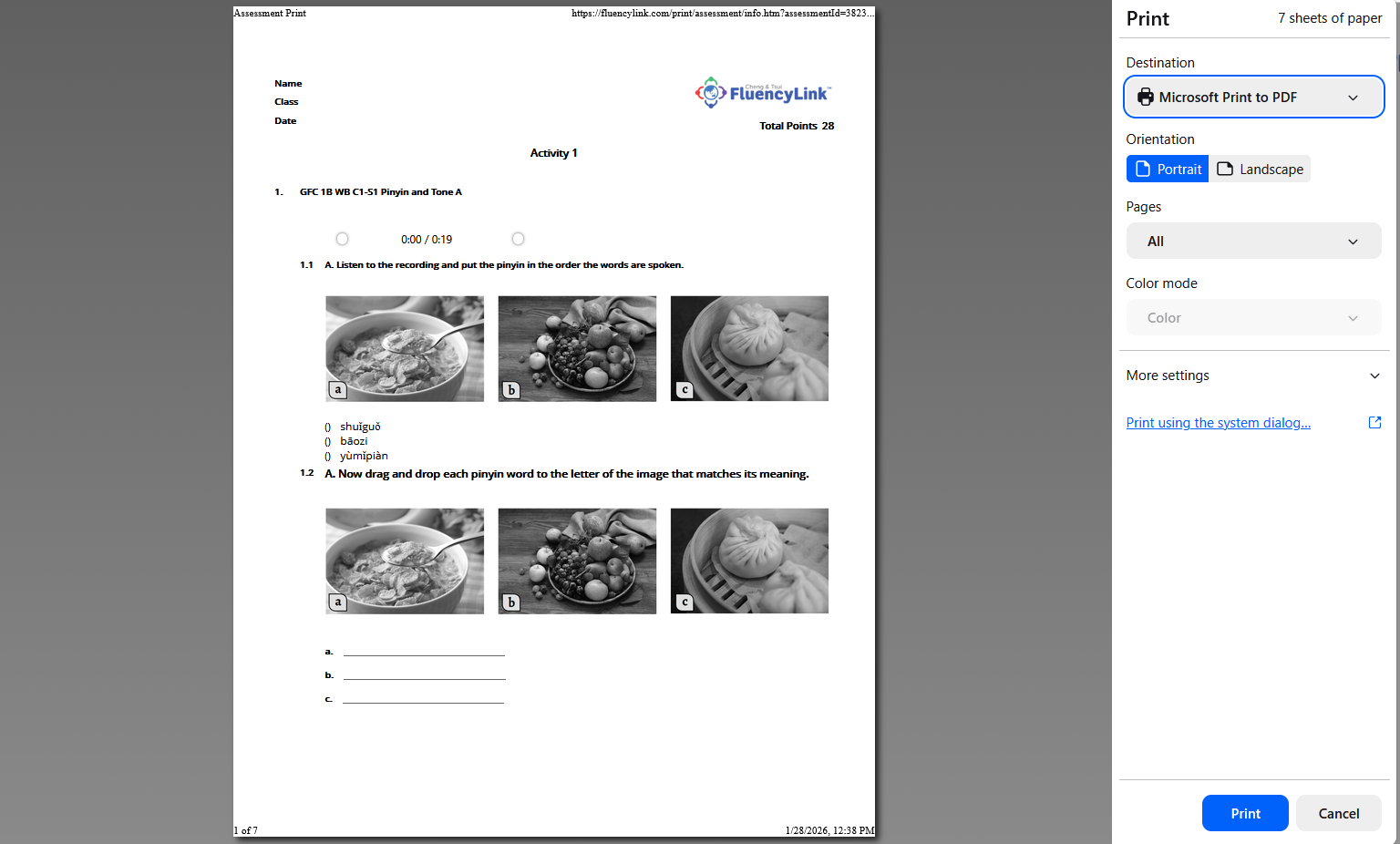
7. Print or download the PDF created.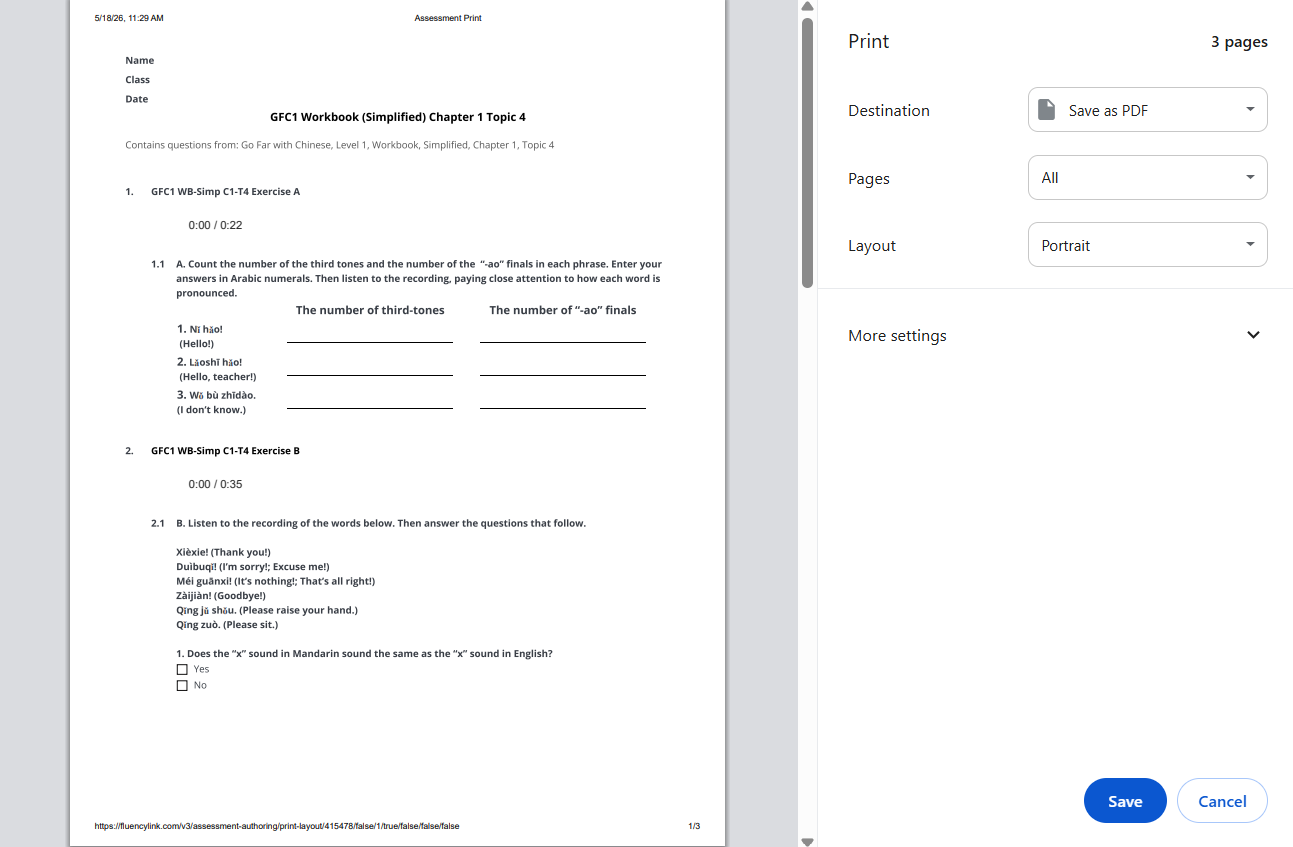
Not what you see? Click to see the old UI view.
Was this article helpful?
That’s Great!
Thank you for your feedback
Sorry! We couldn't be helpful
Thank you for your feedback
Feedback sent
We appreciate your effort and will try to fix the article